
Lumen Duo
Hypermnesia Pro 1.2.0+Hypermnesia Pro sends the details to a Lumen Duo you hold, and the Lumen Duo's buttons run the app.
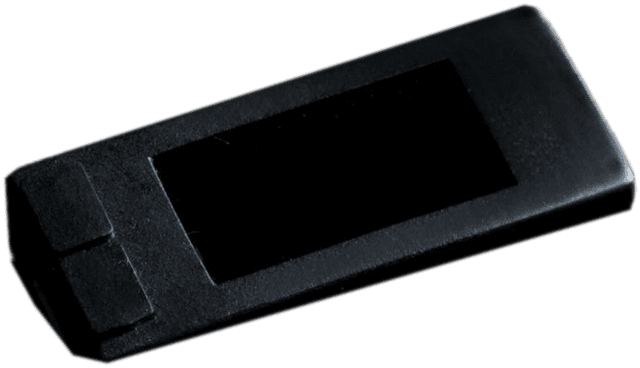
Left-handed mode, brightness, vibration feedback, and your own text and background colours.
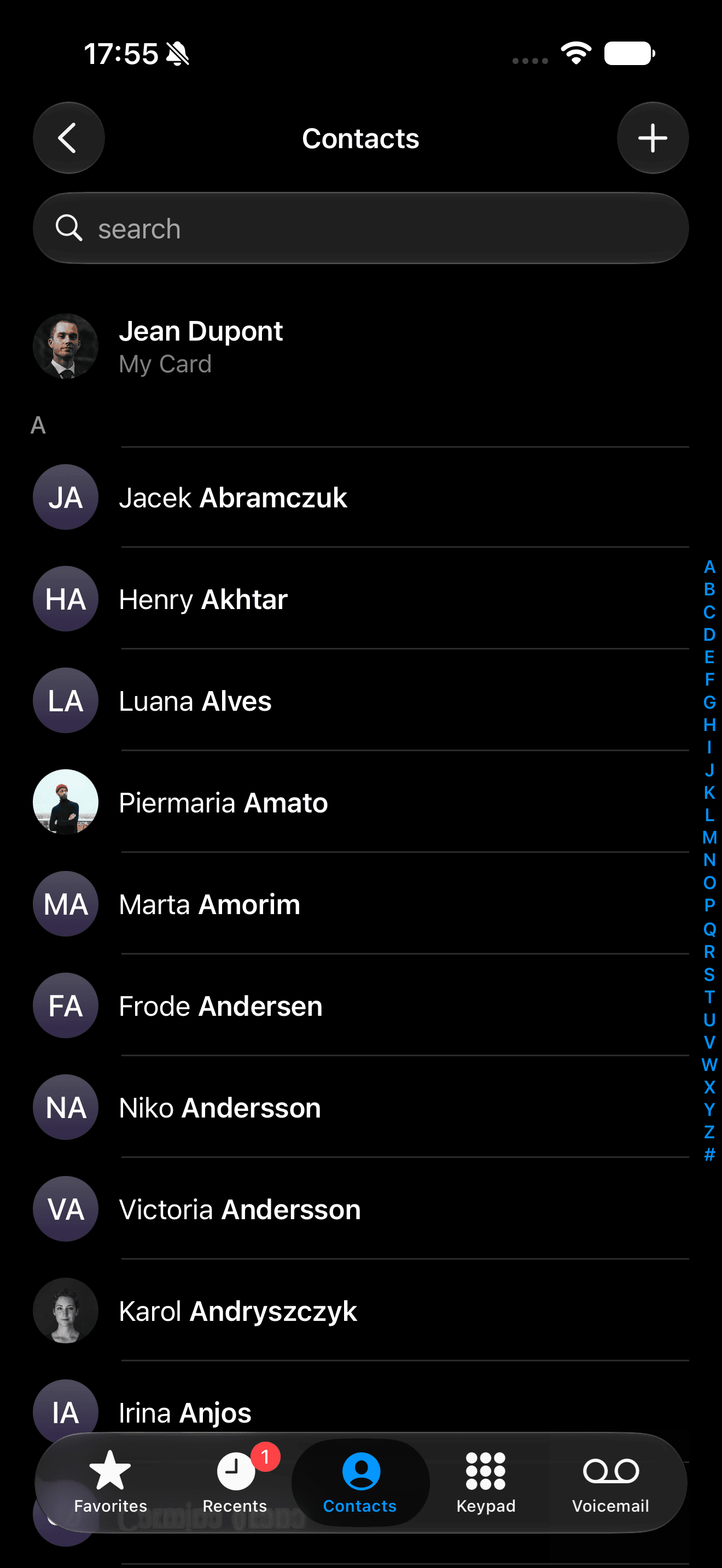
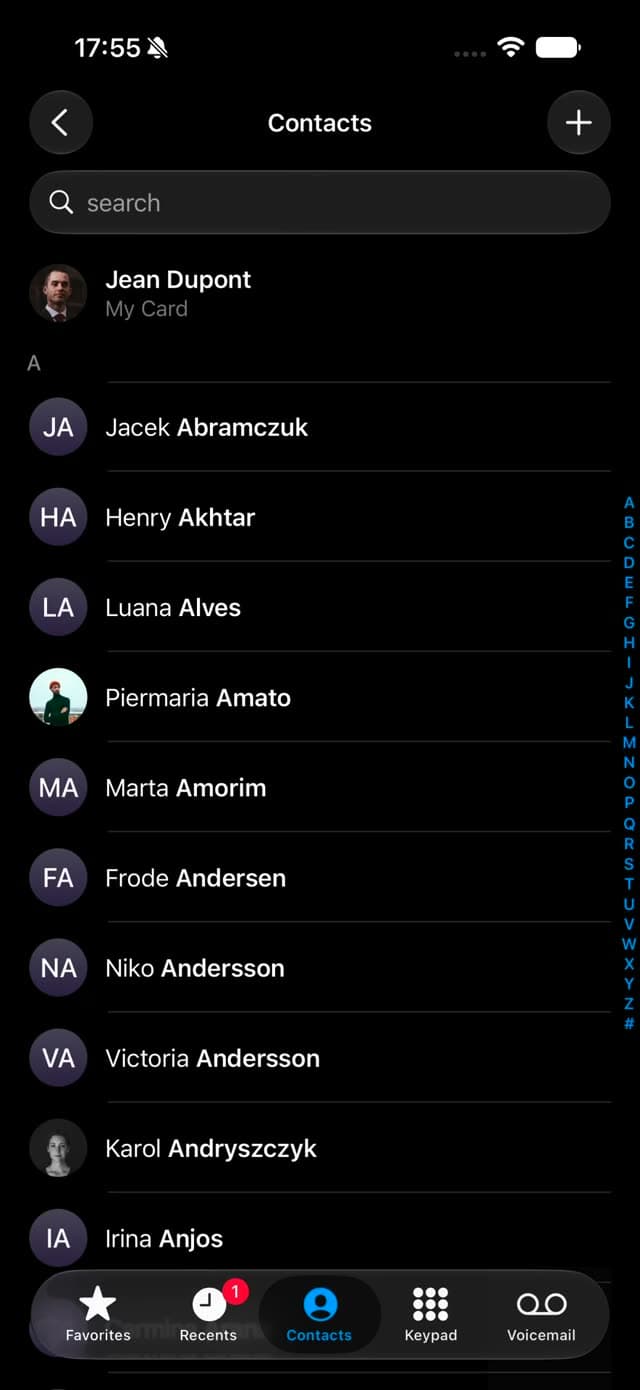
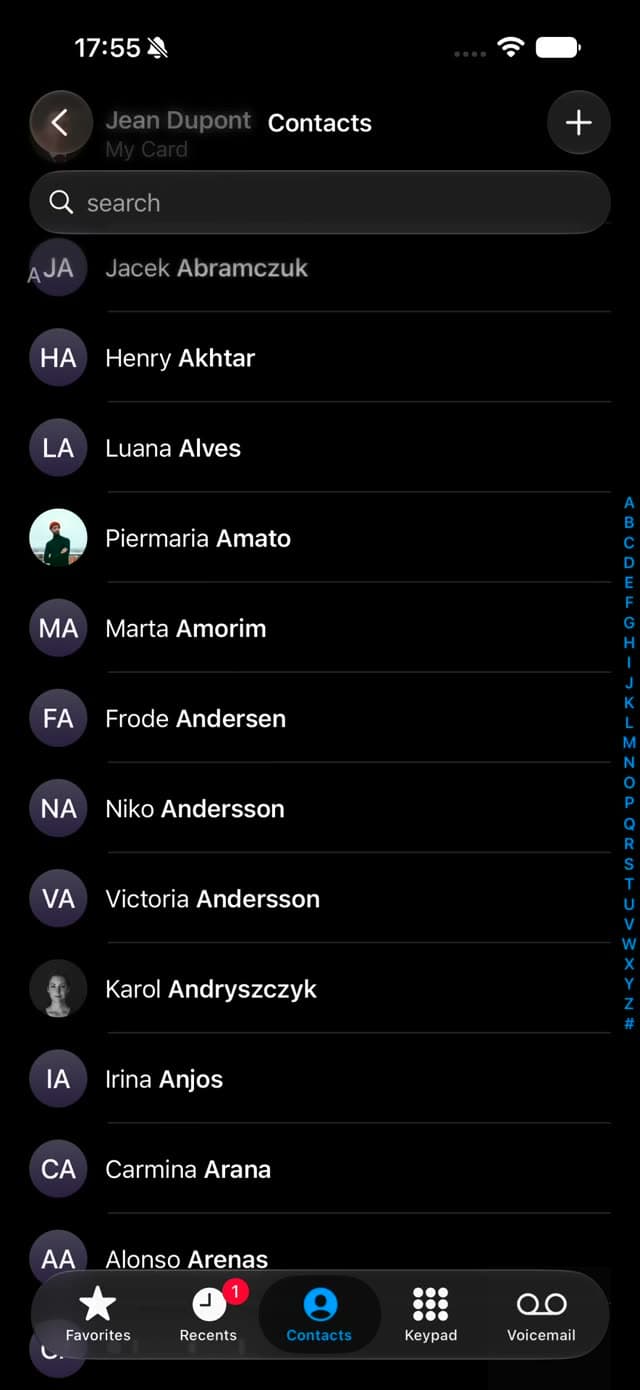
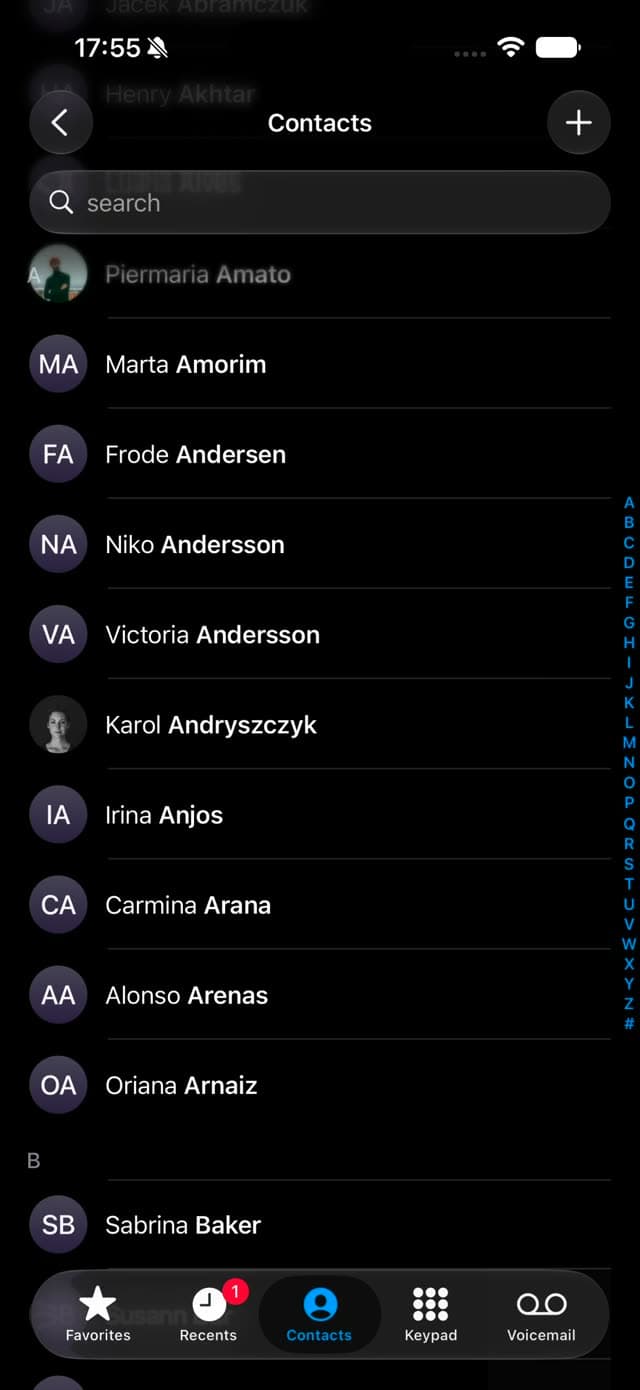
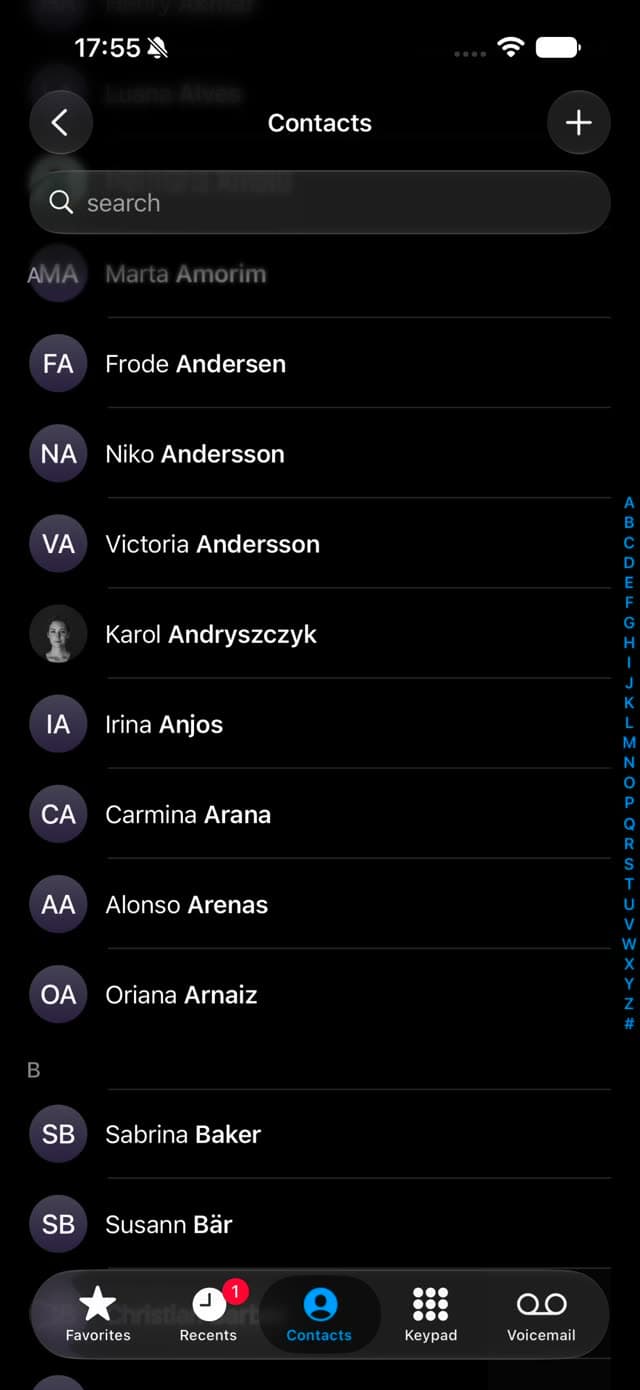
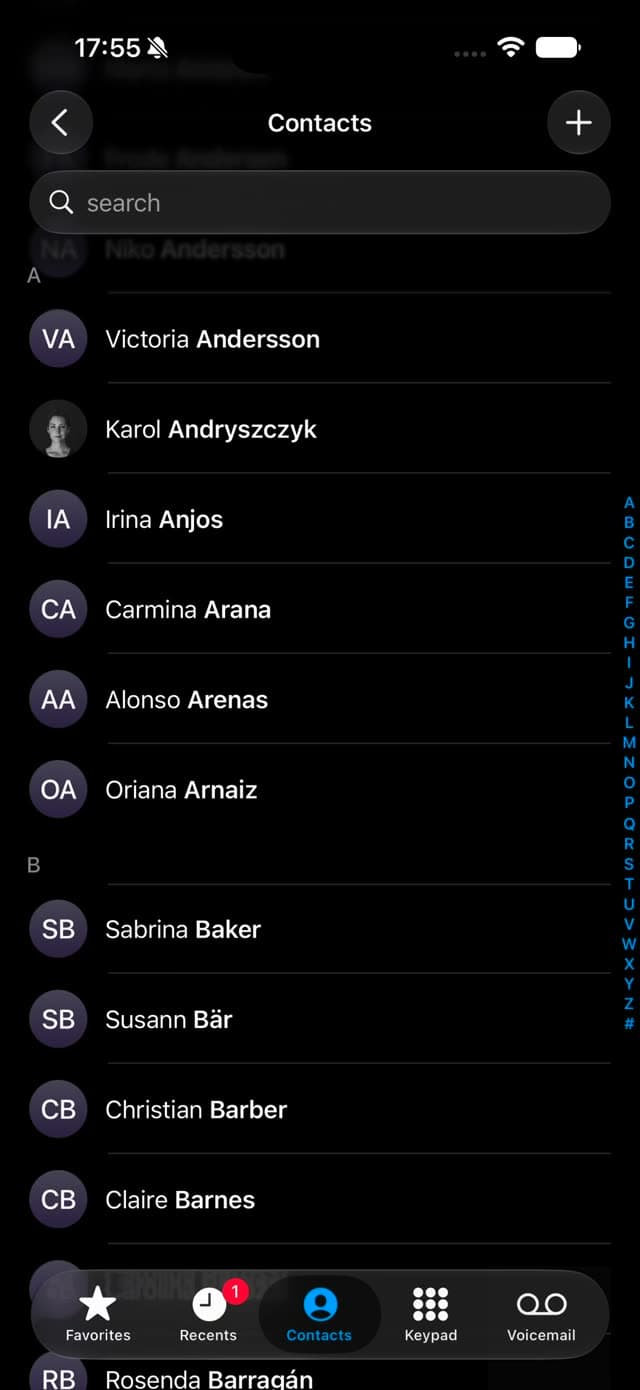
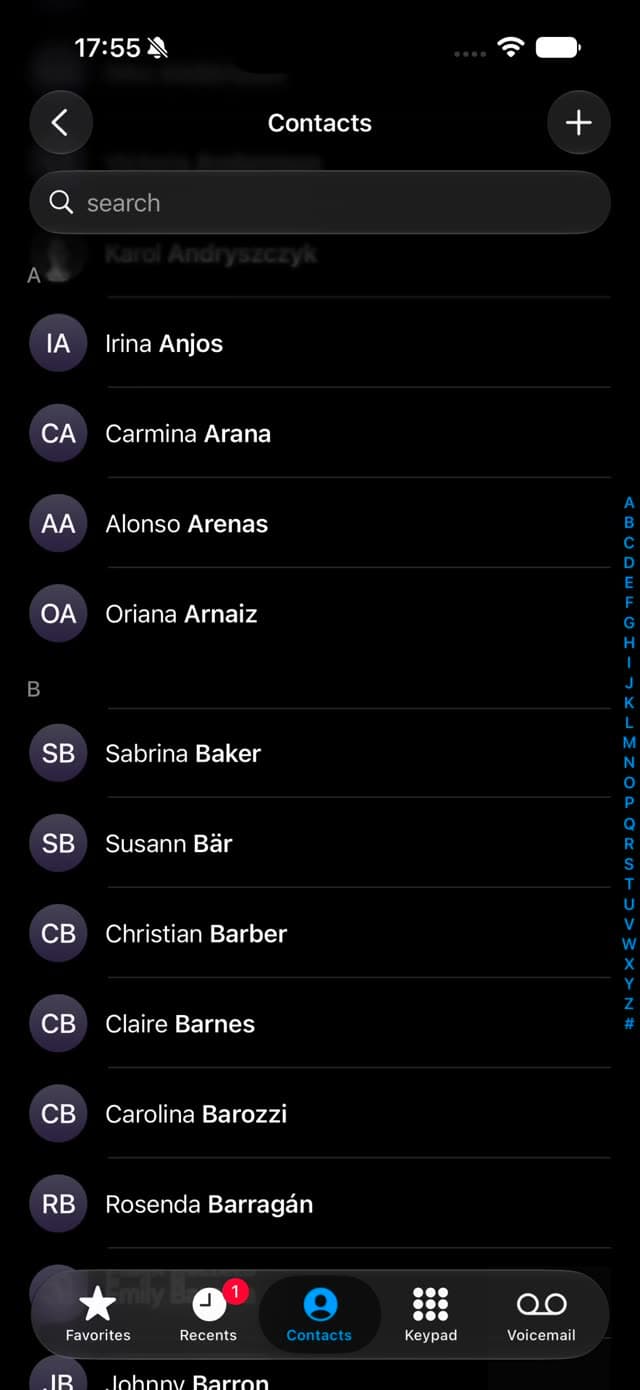
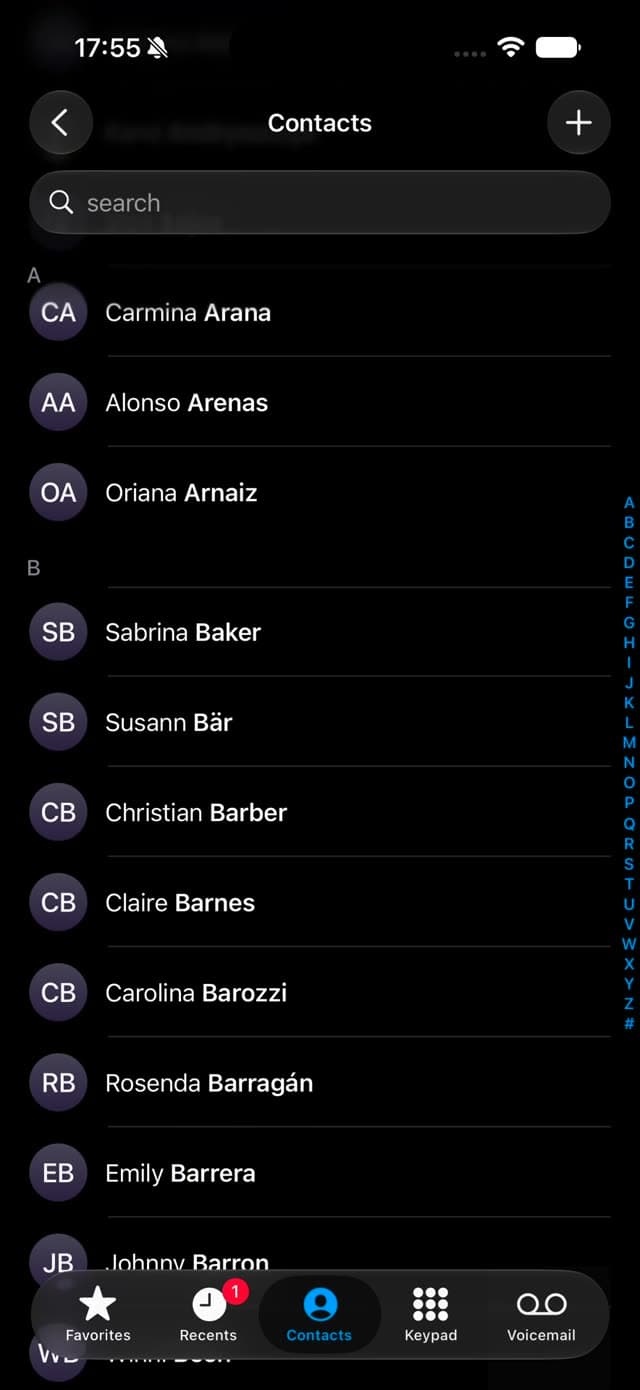
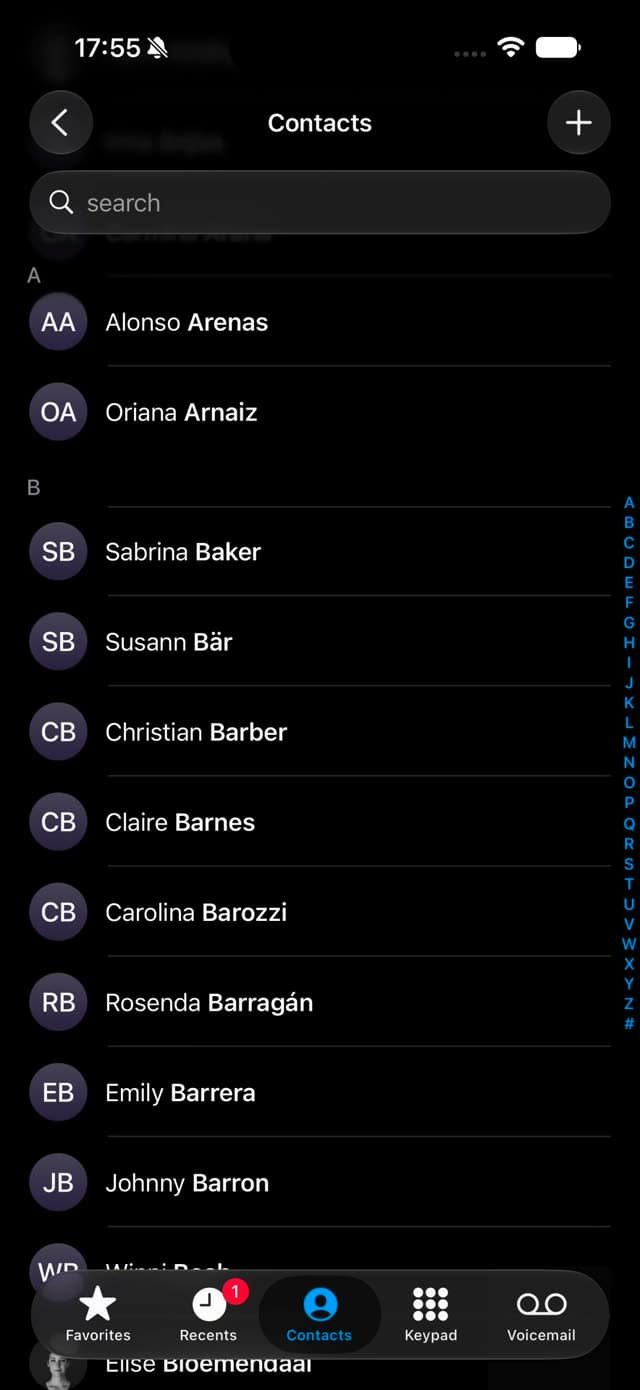
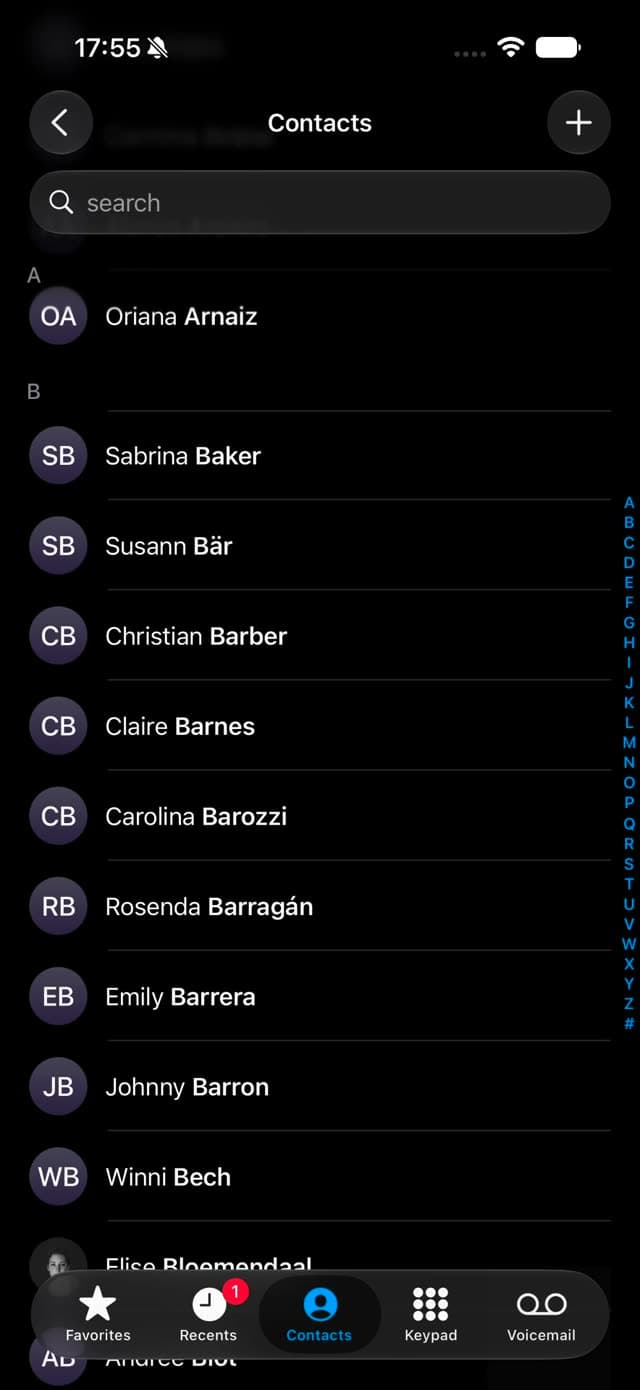
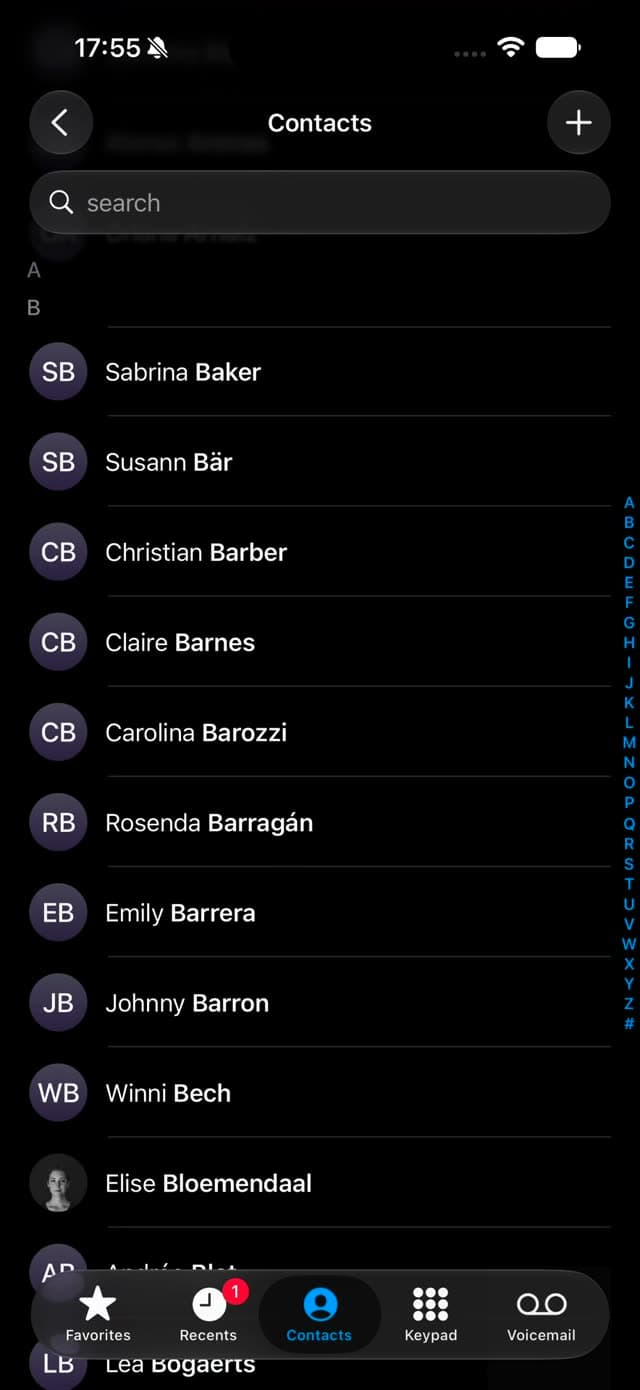
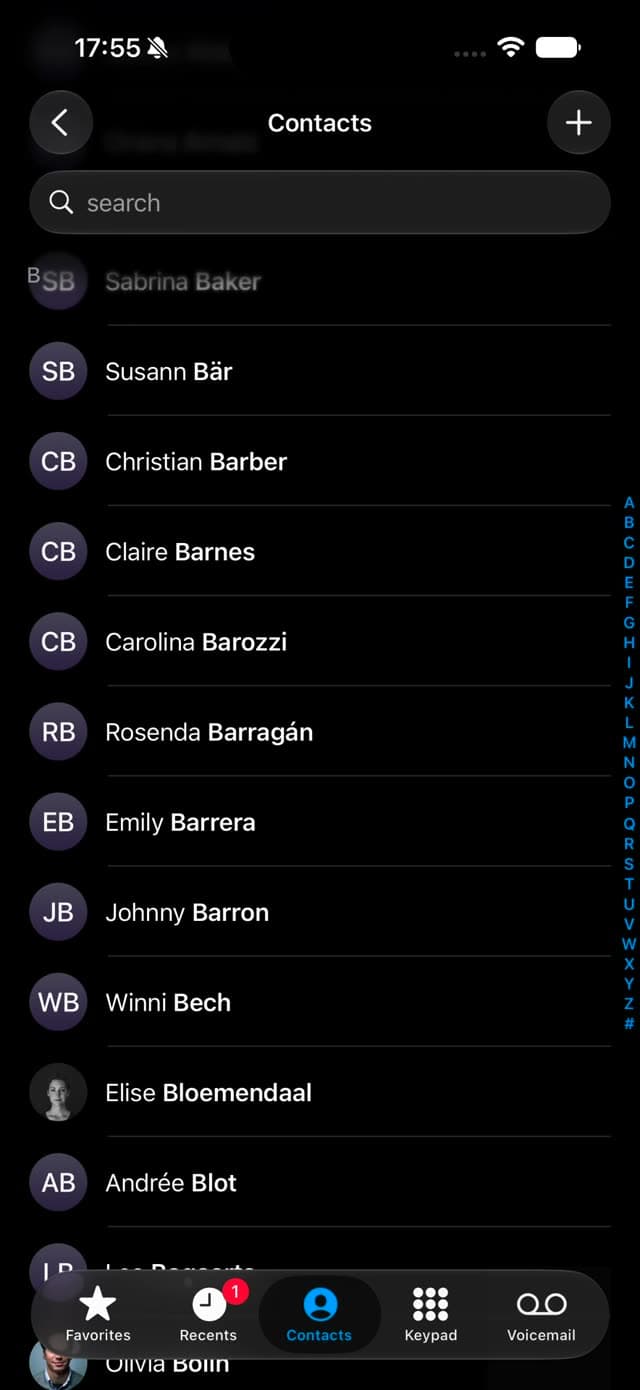
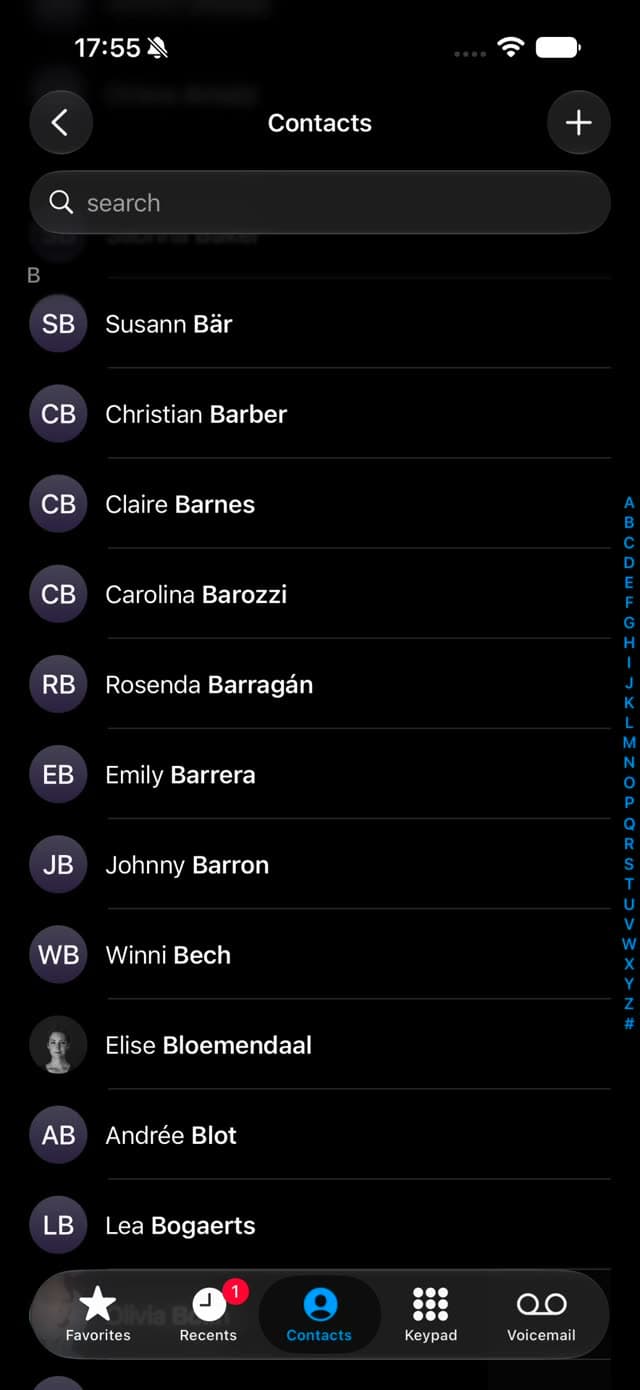
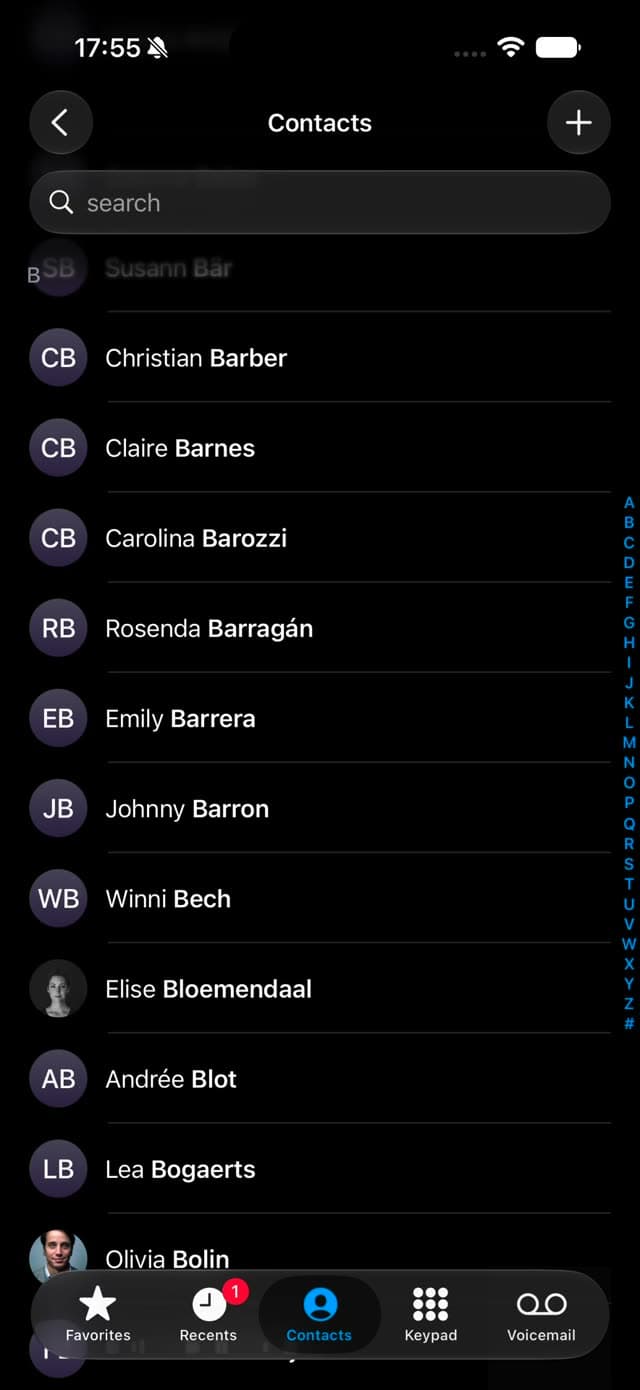
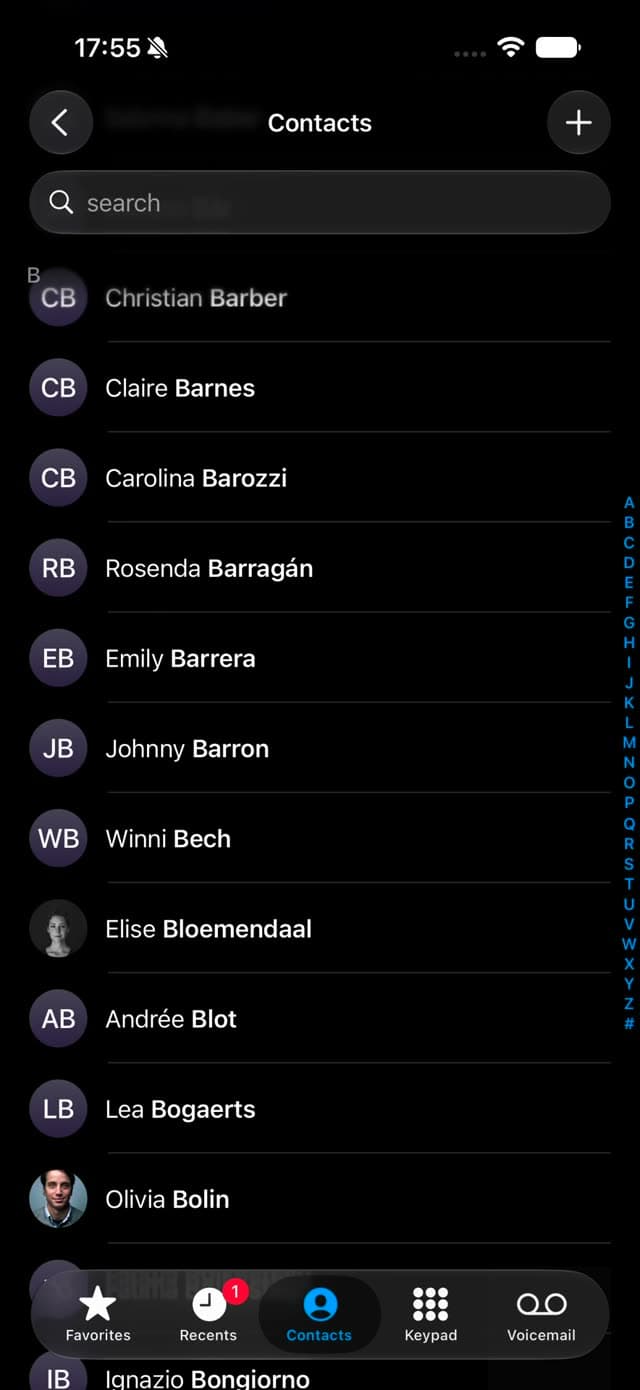
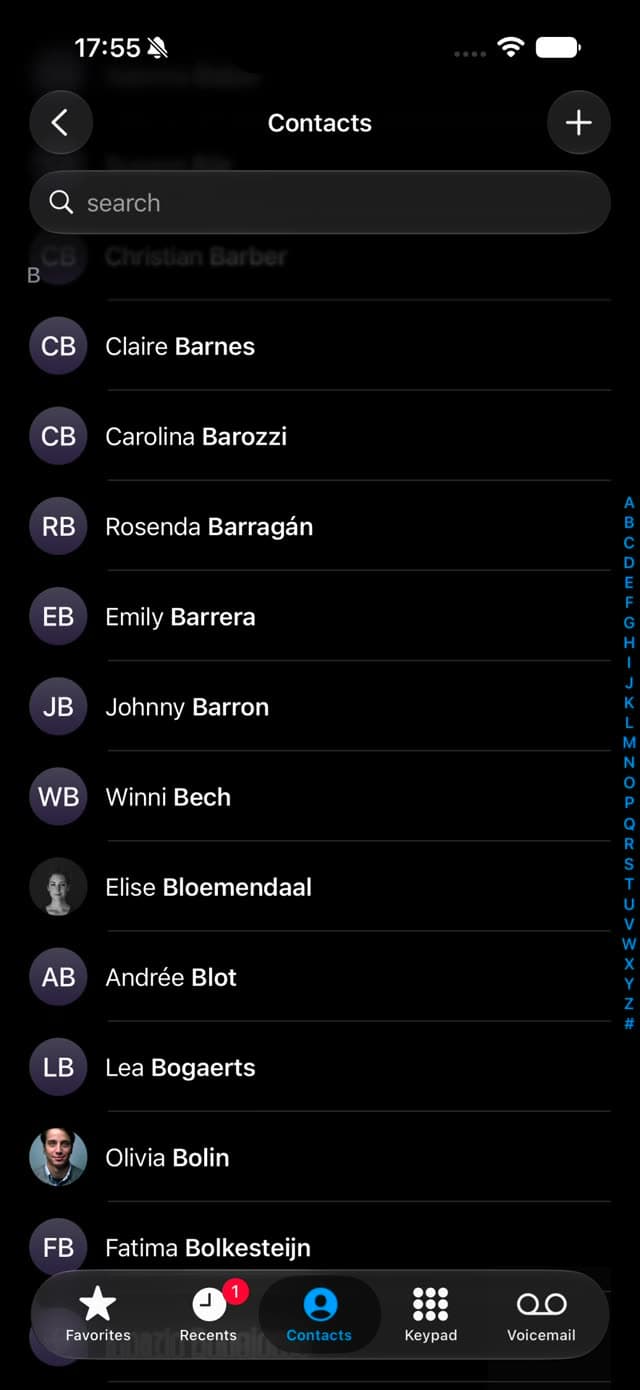
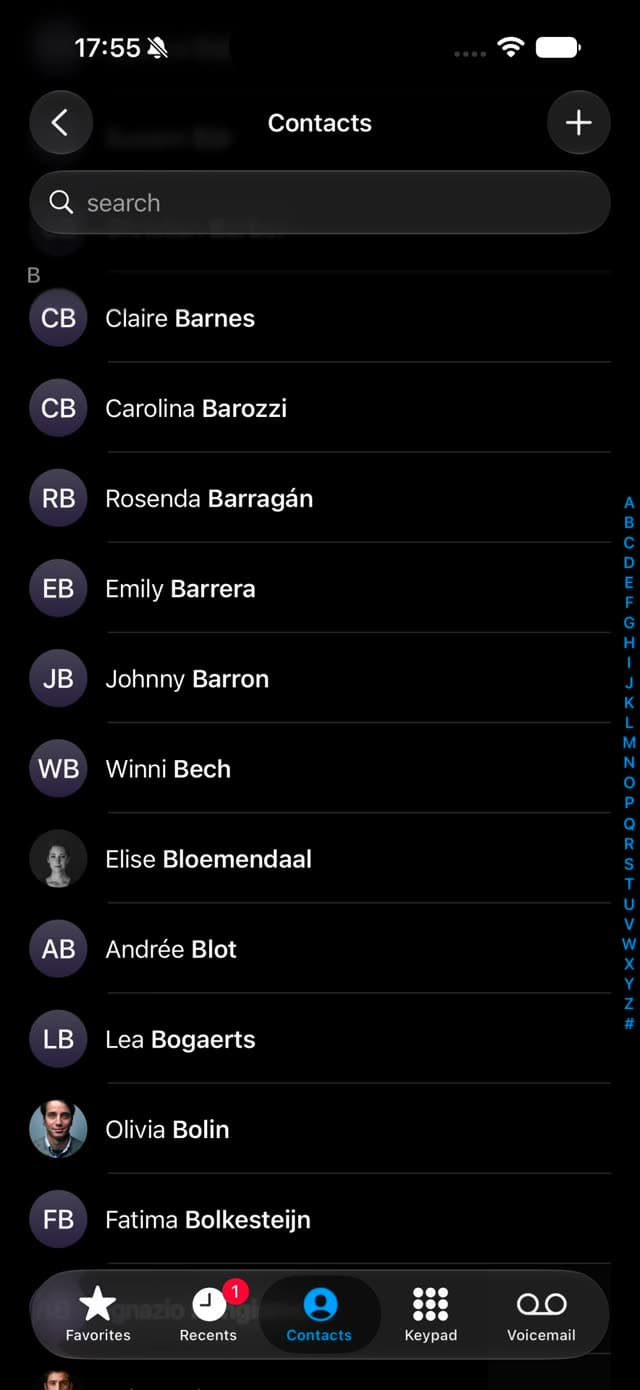
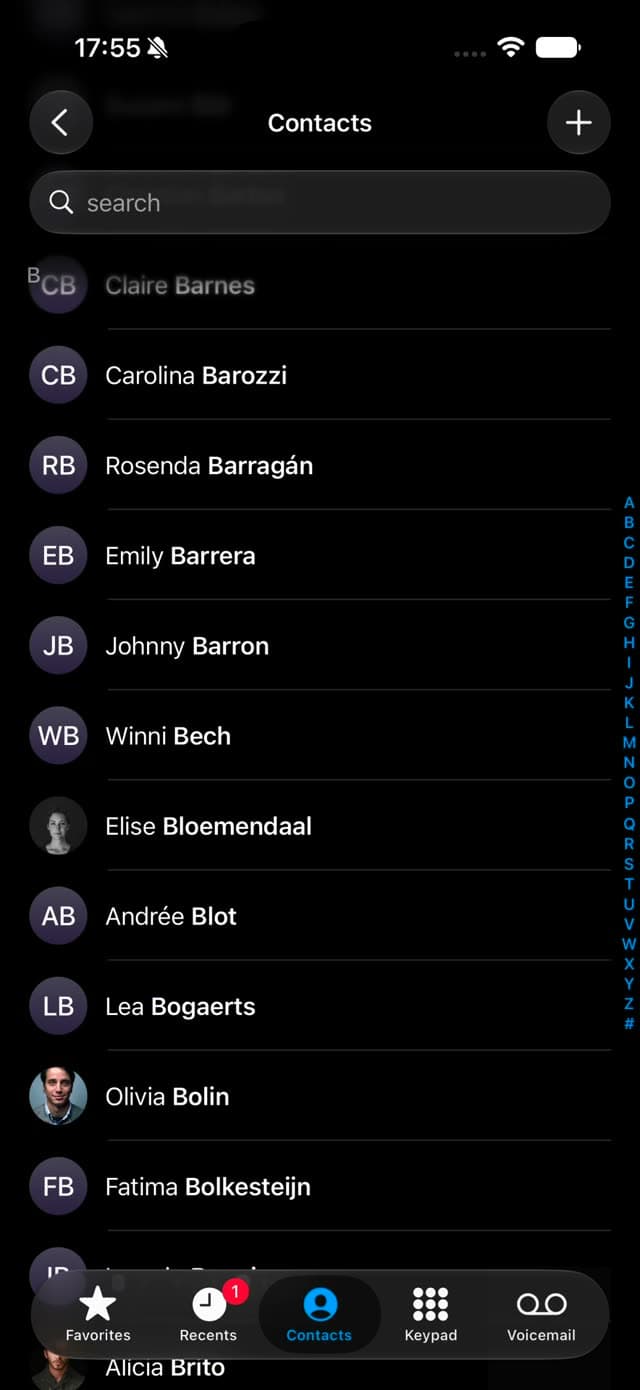
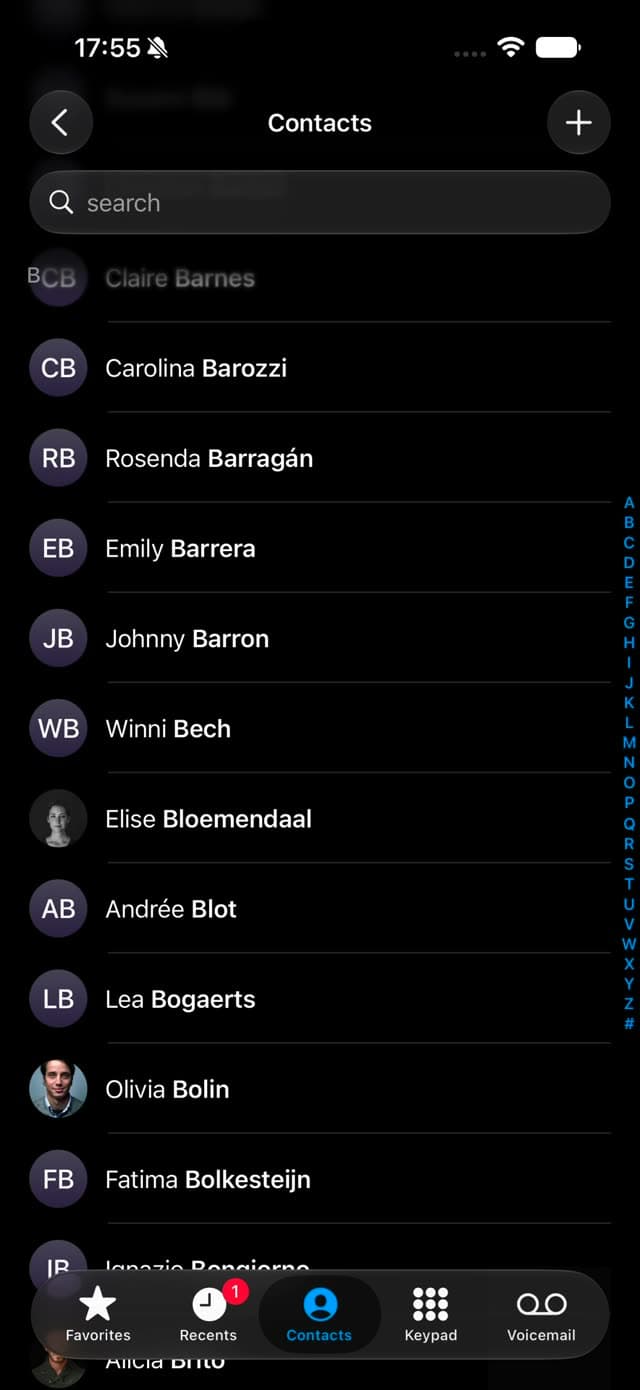
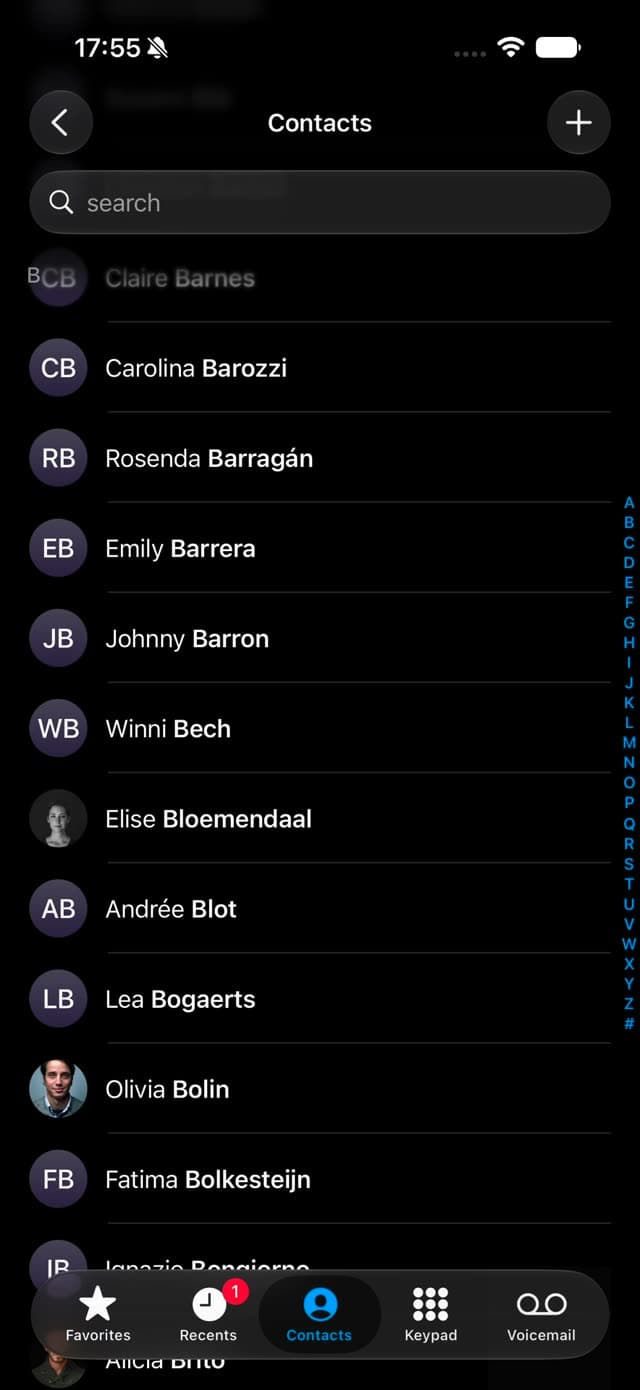
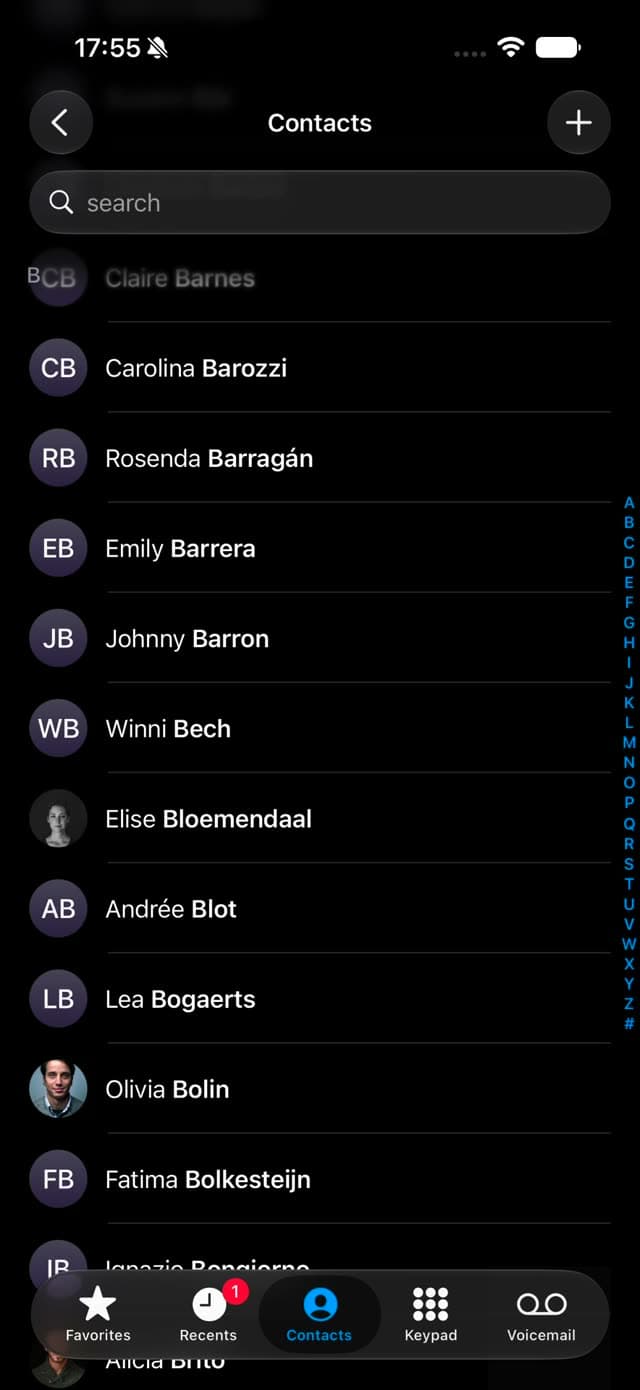
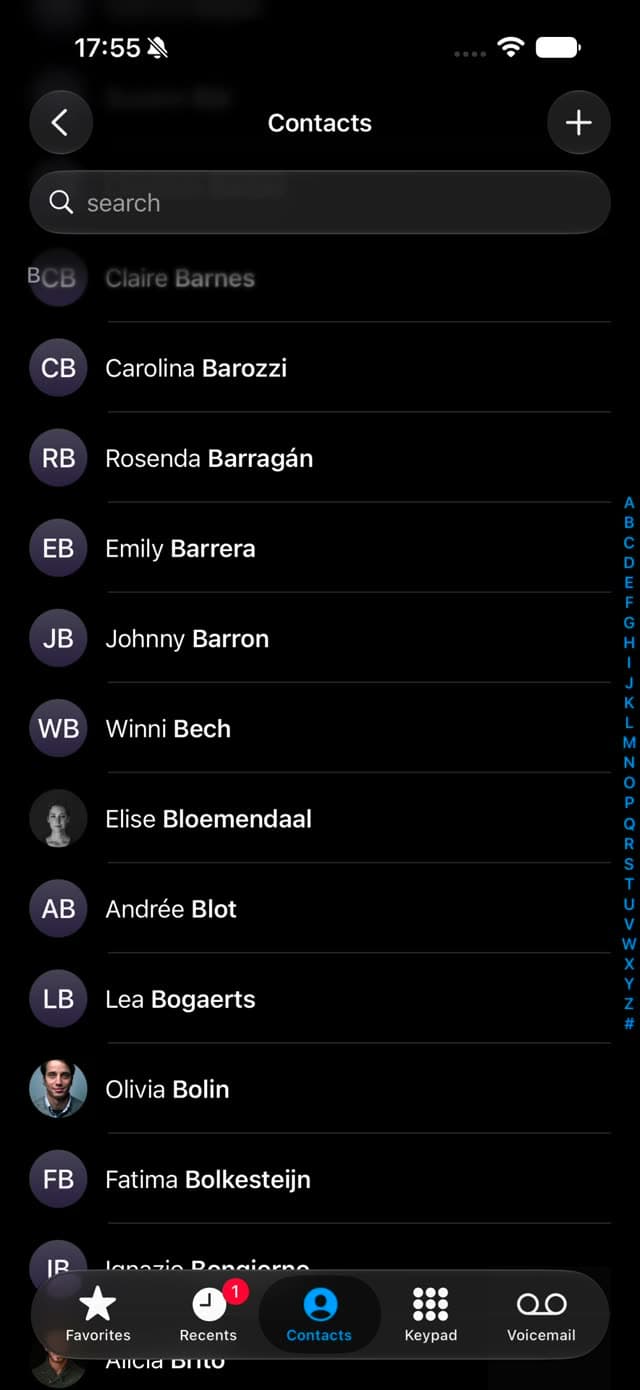
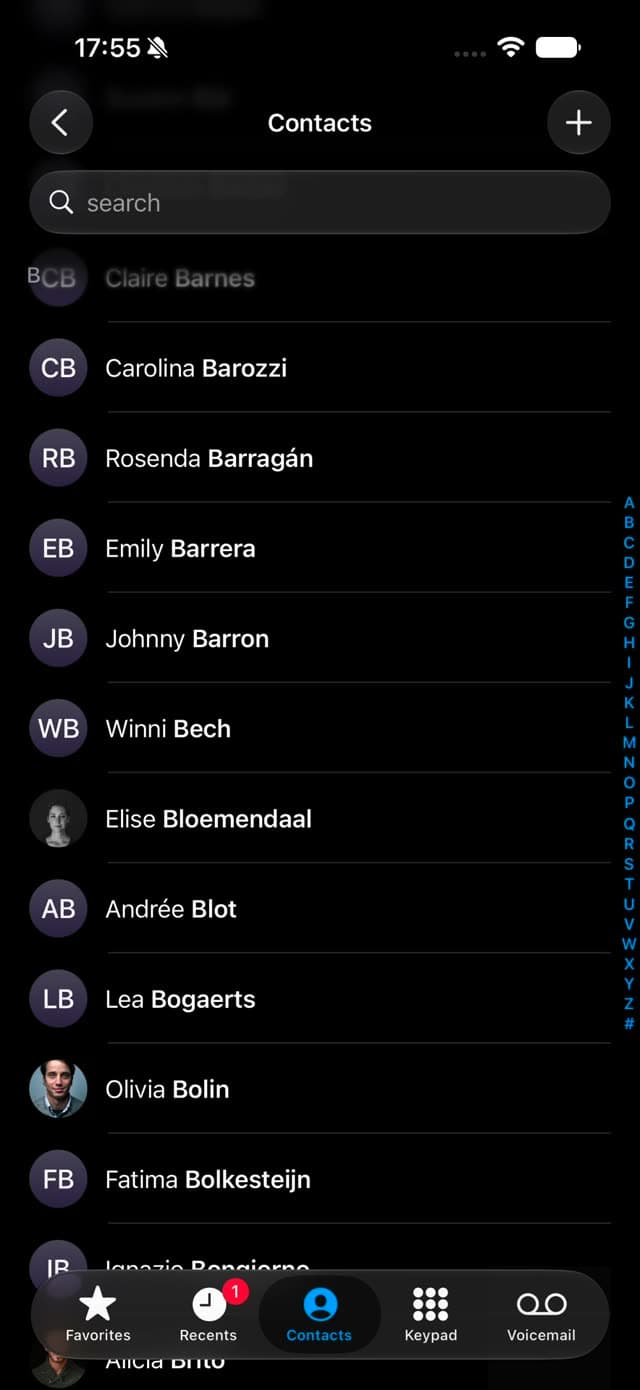
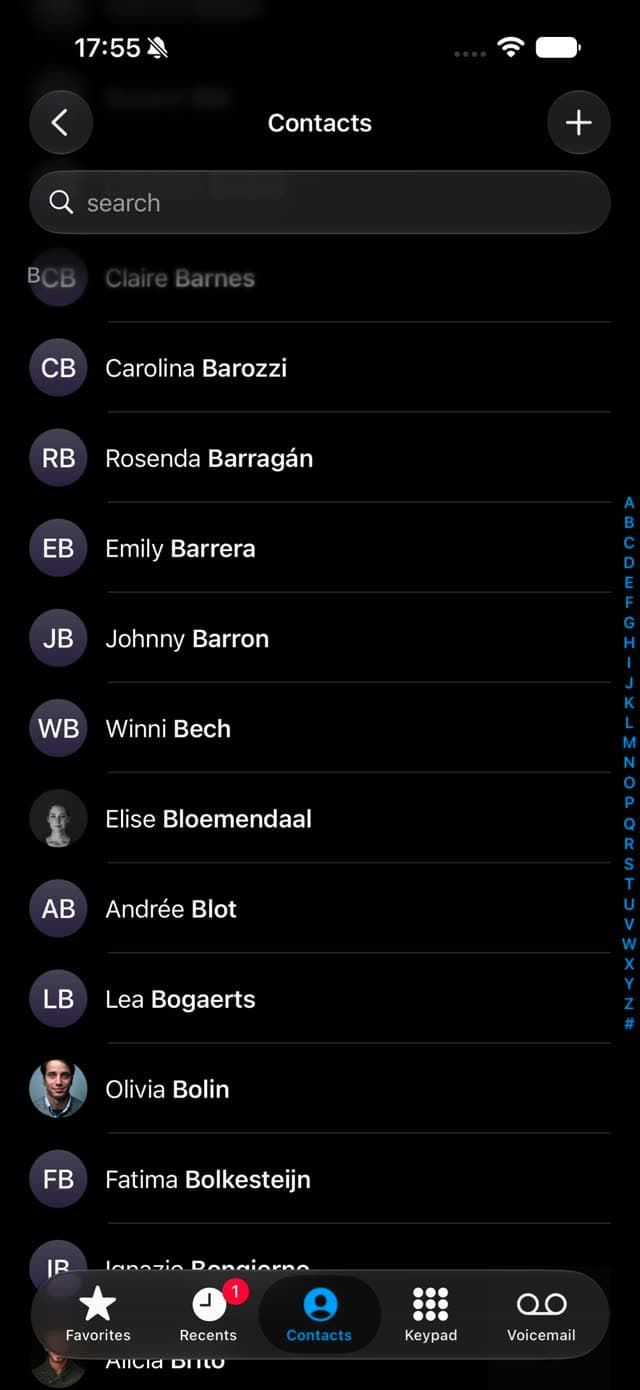
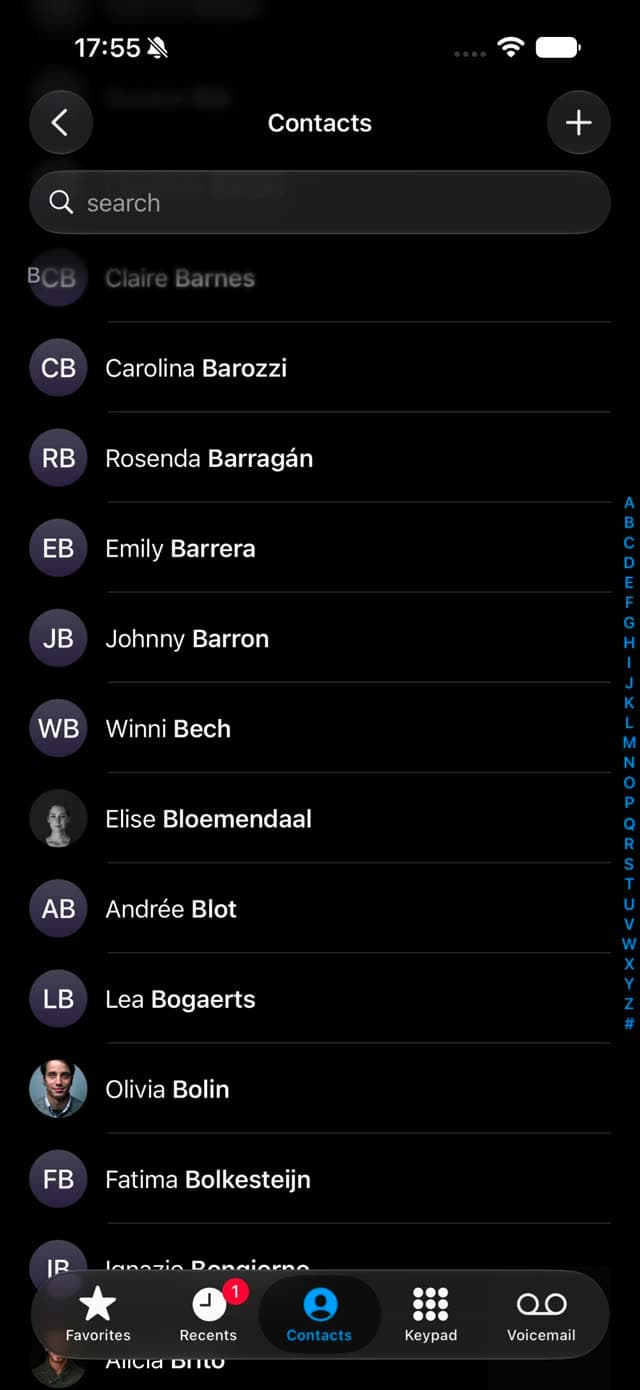
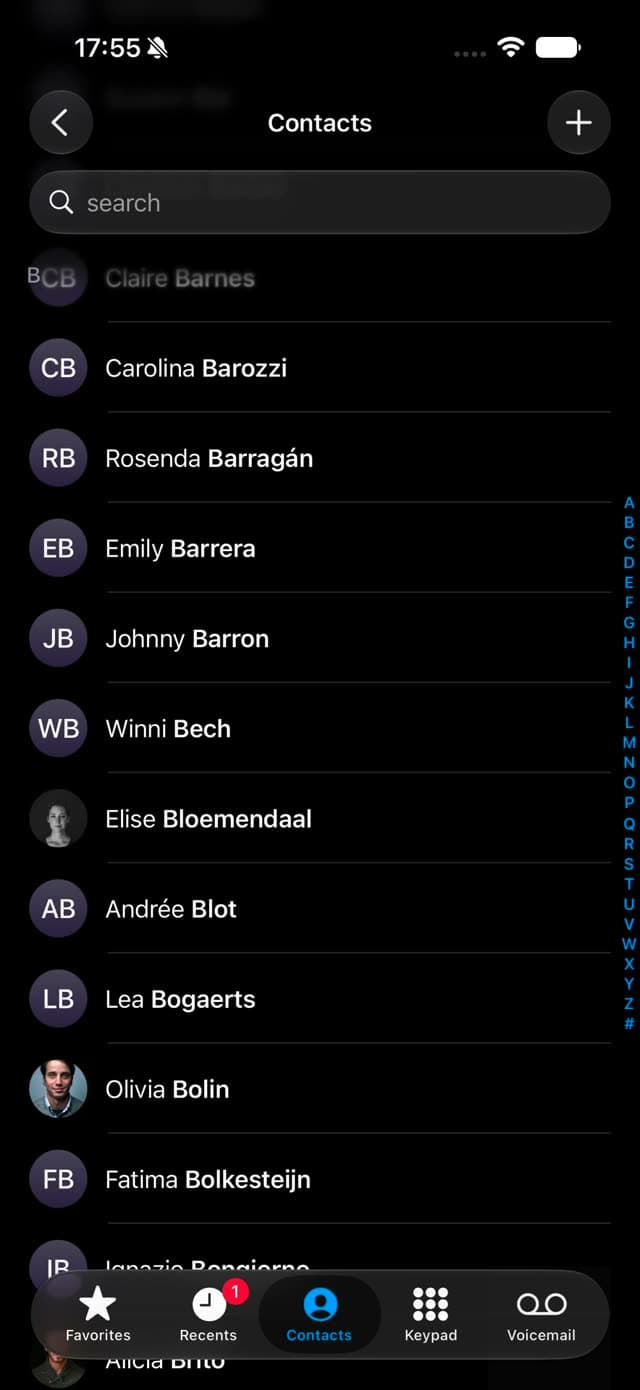
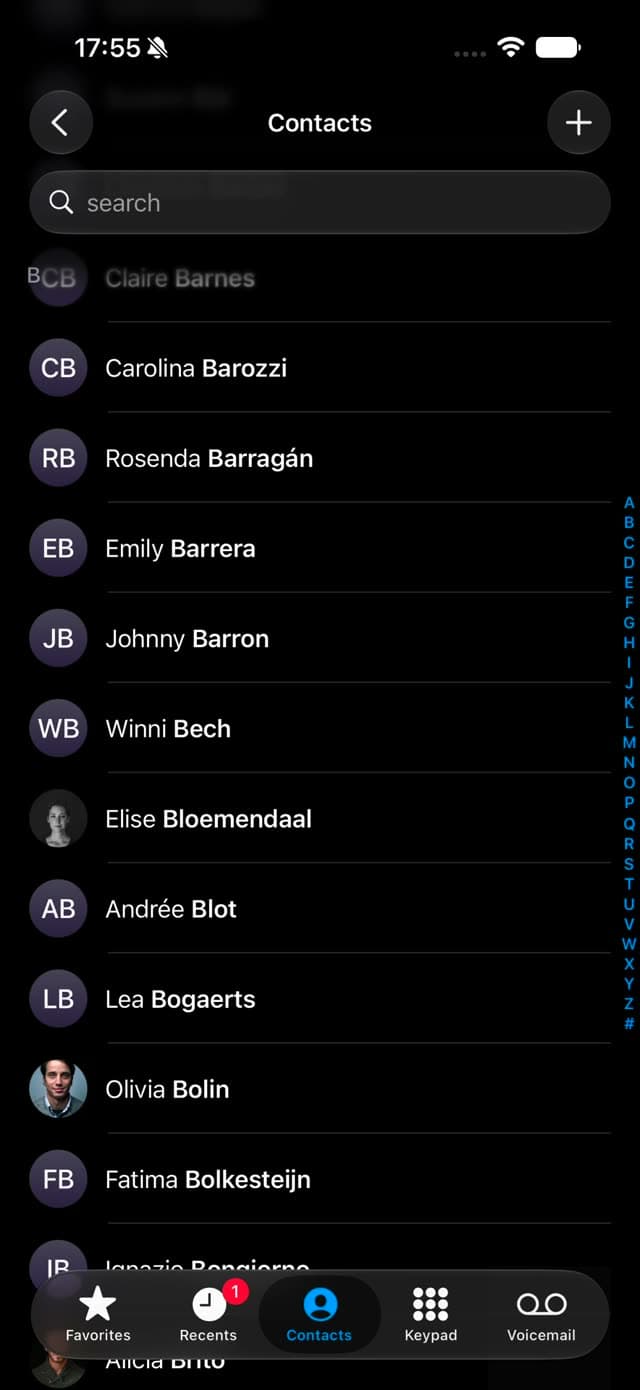
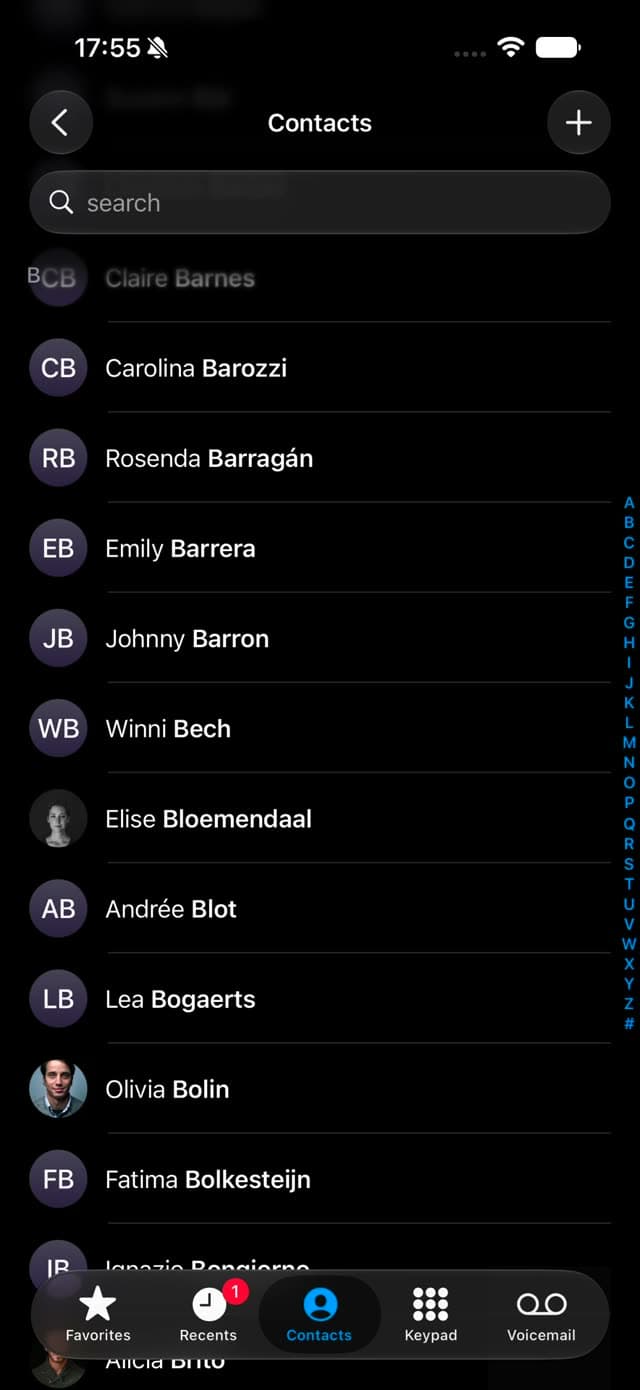
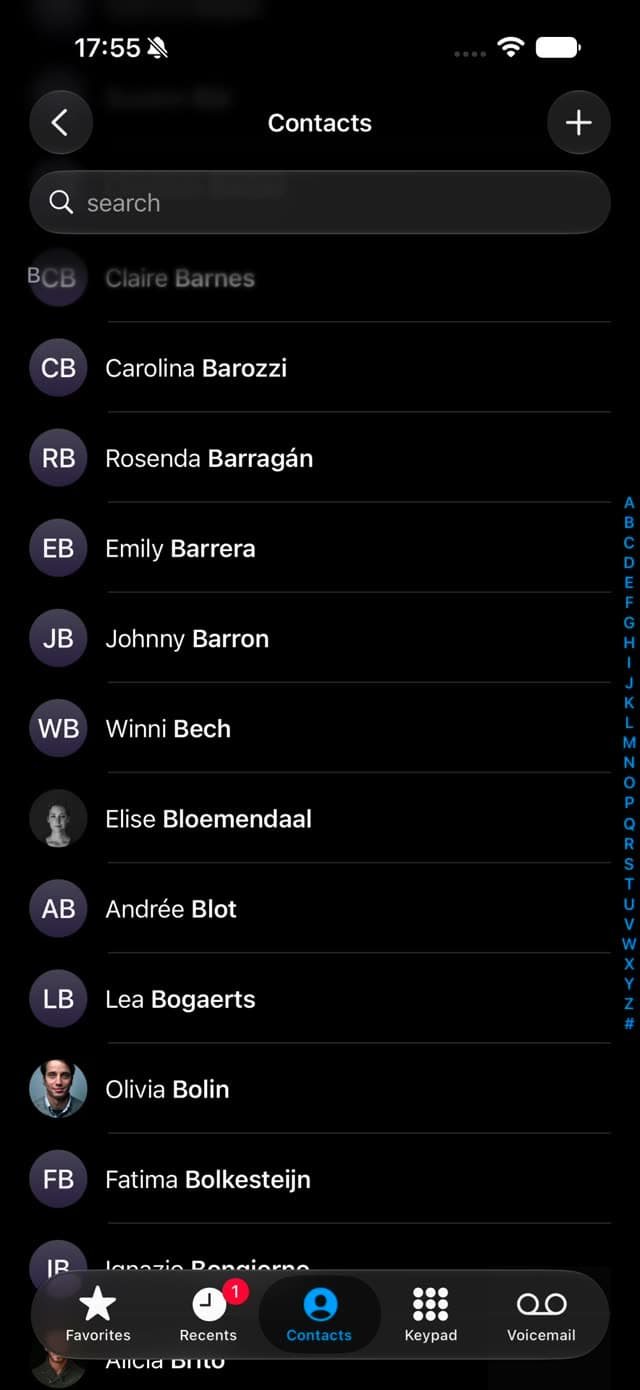
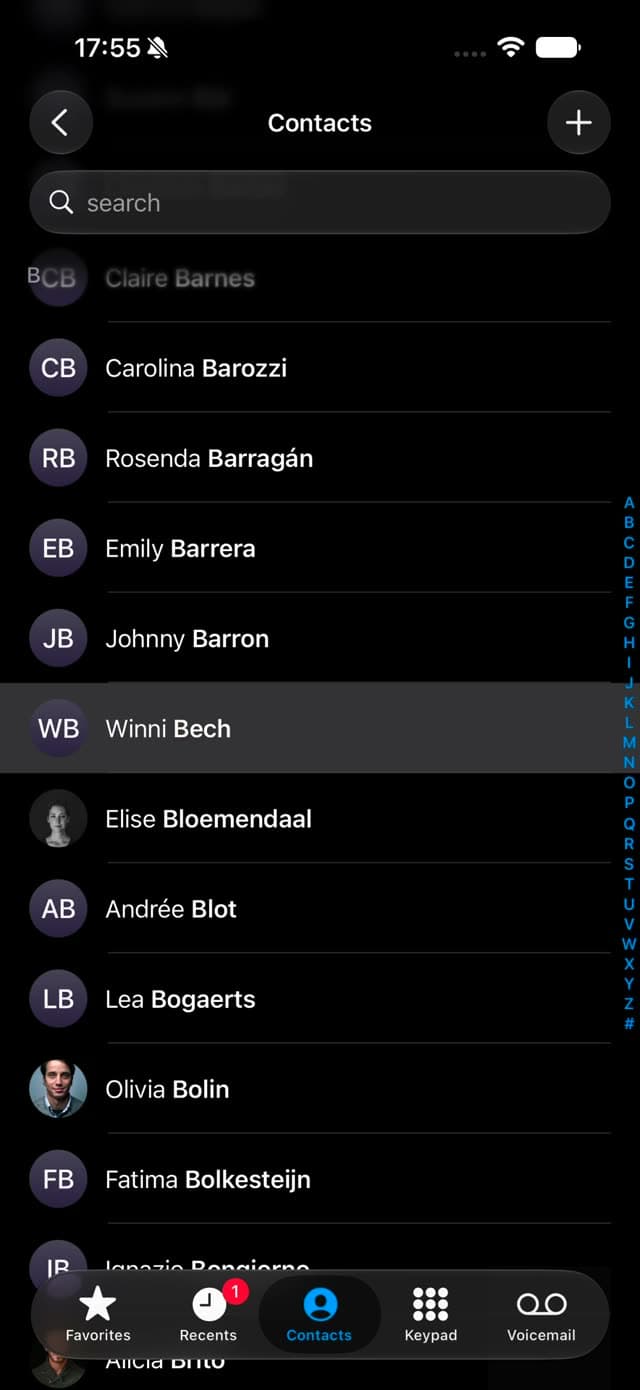
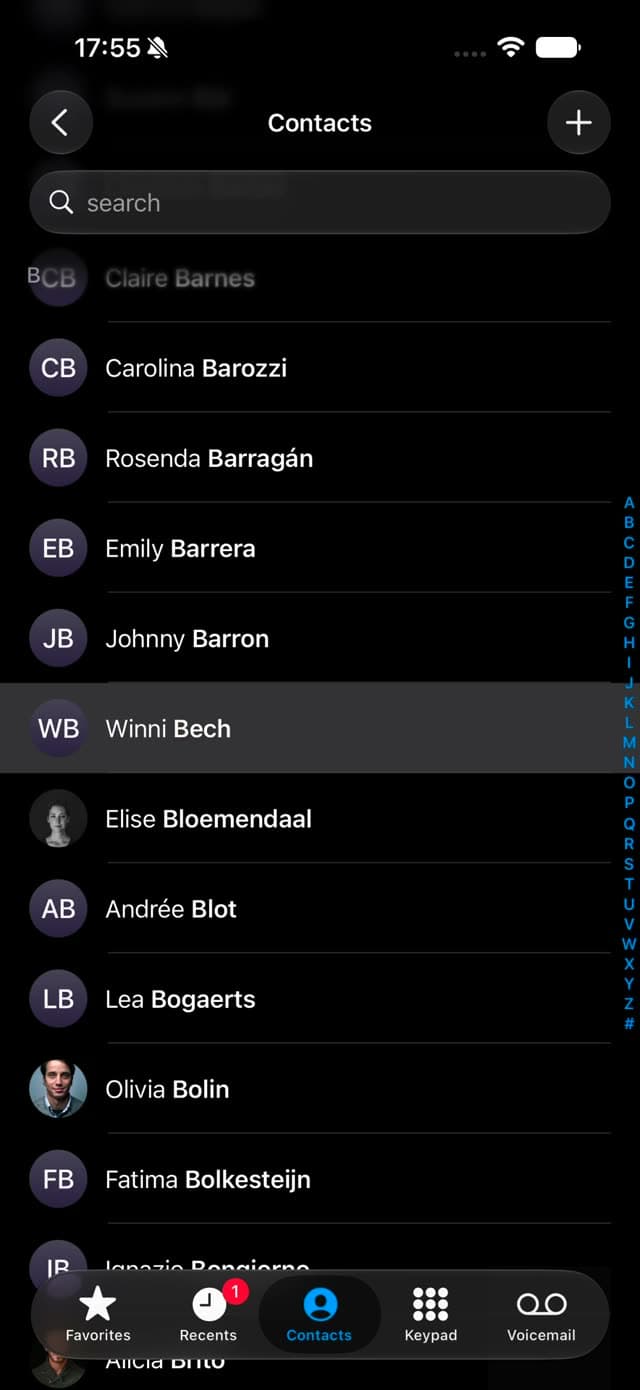
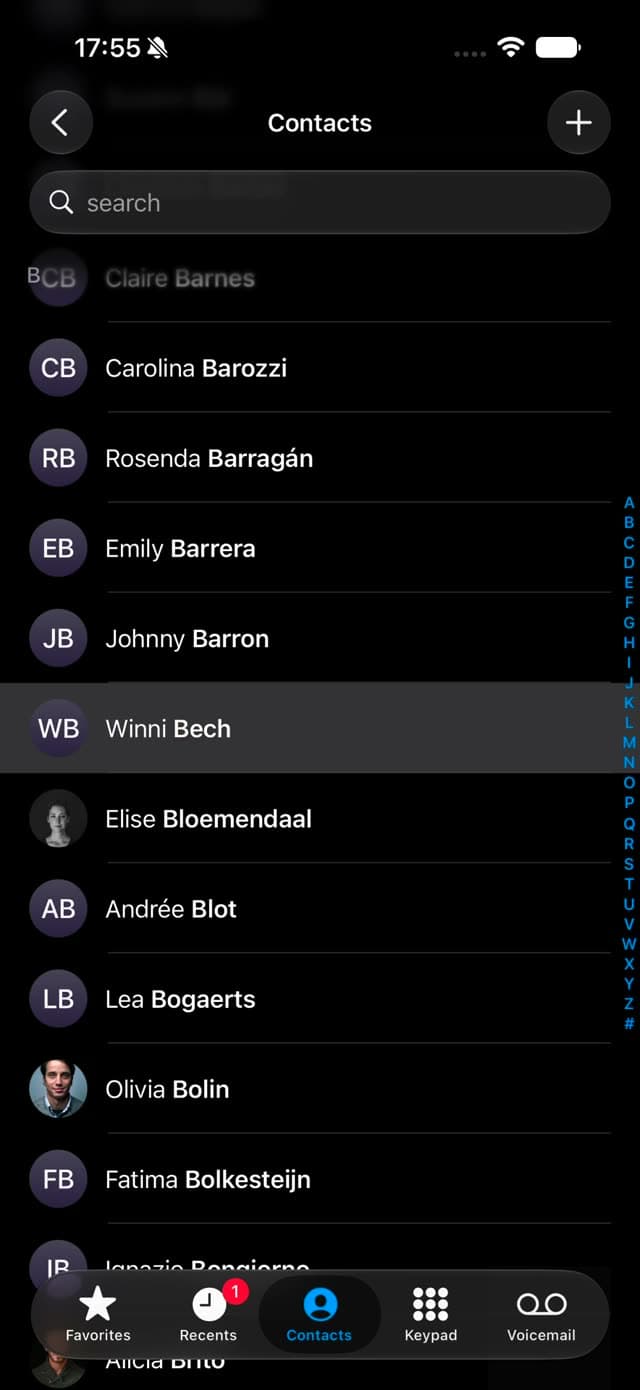
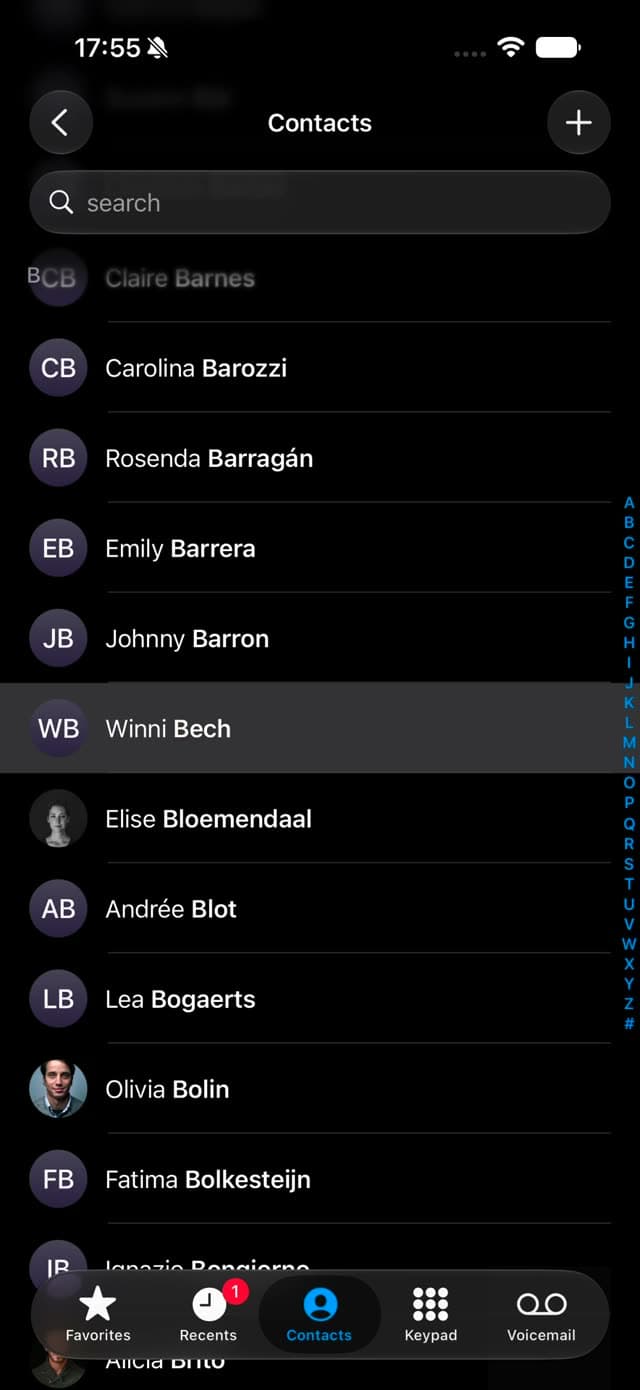
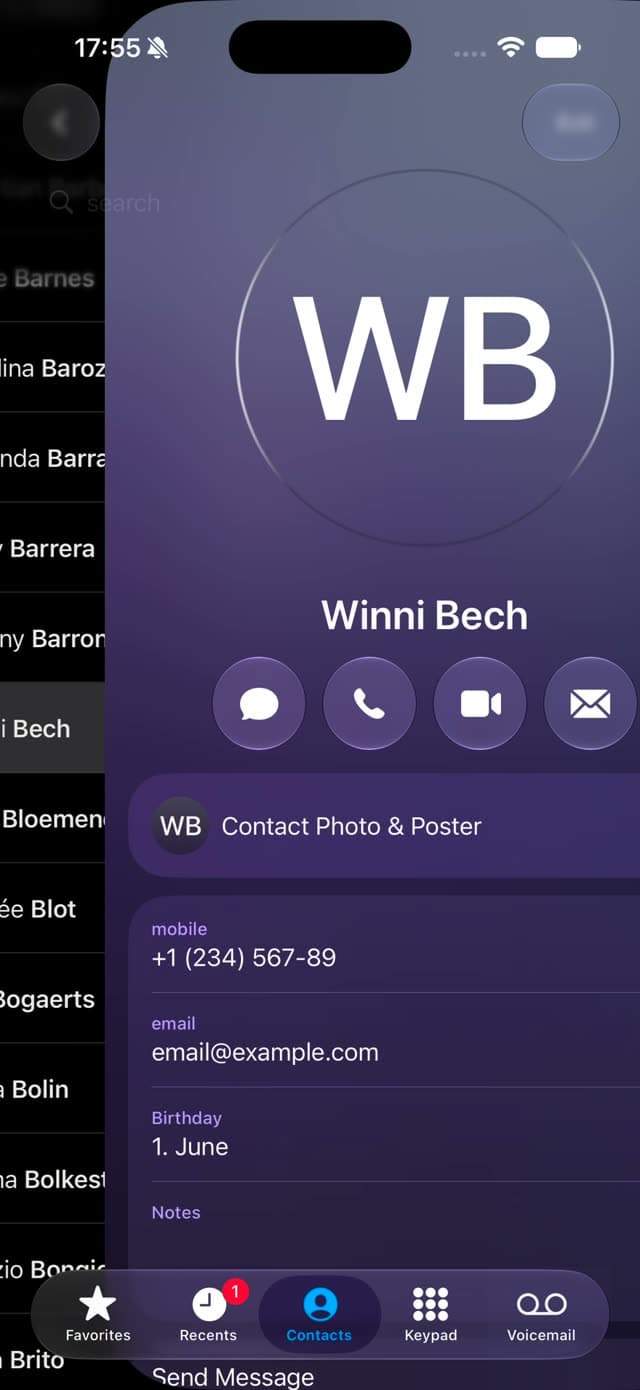
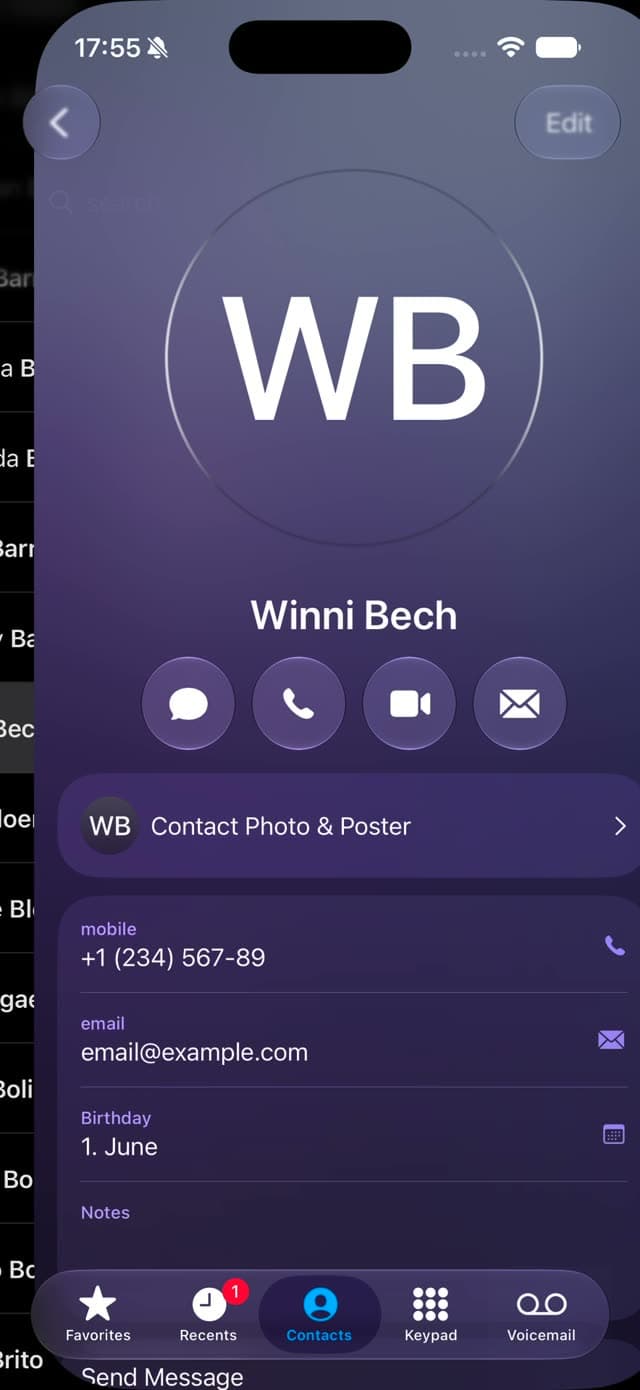
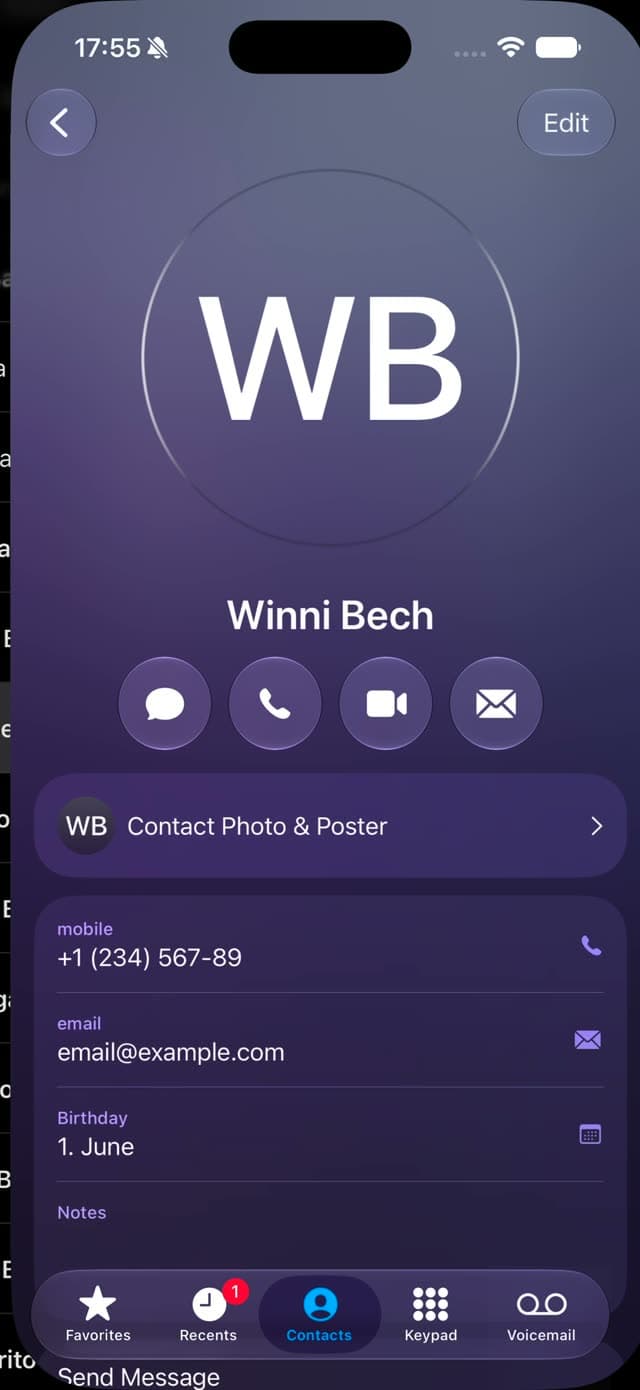
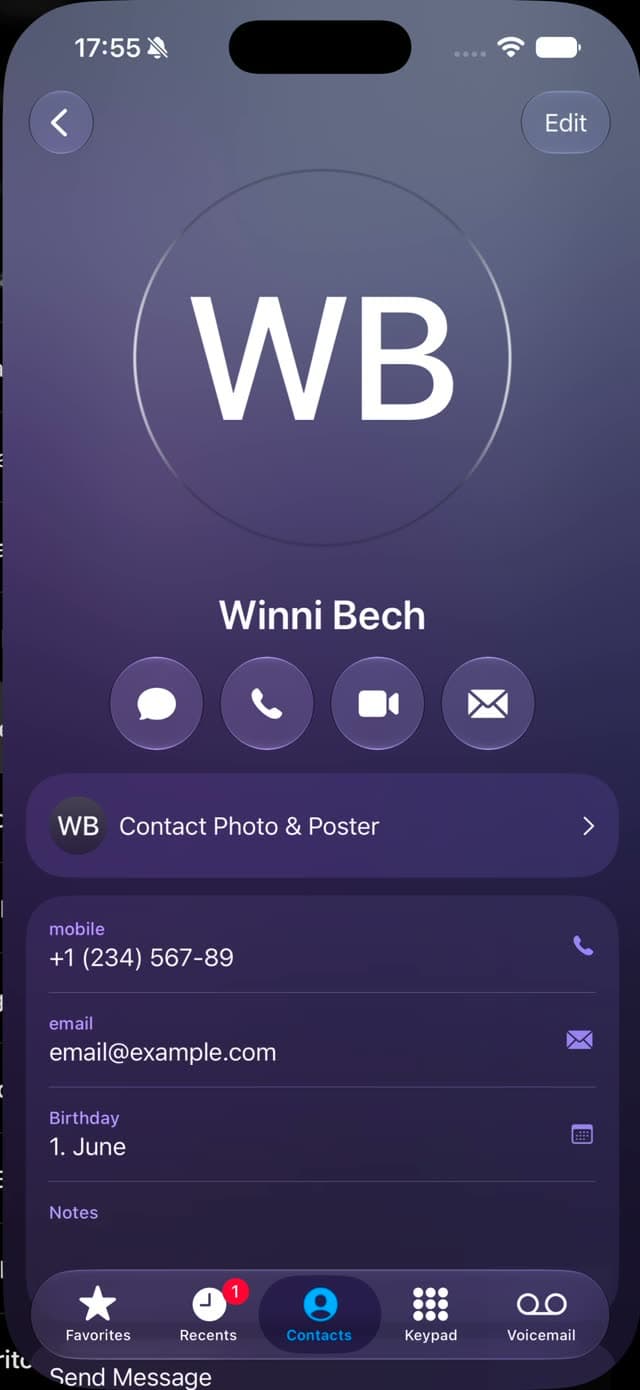
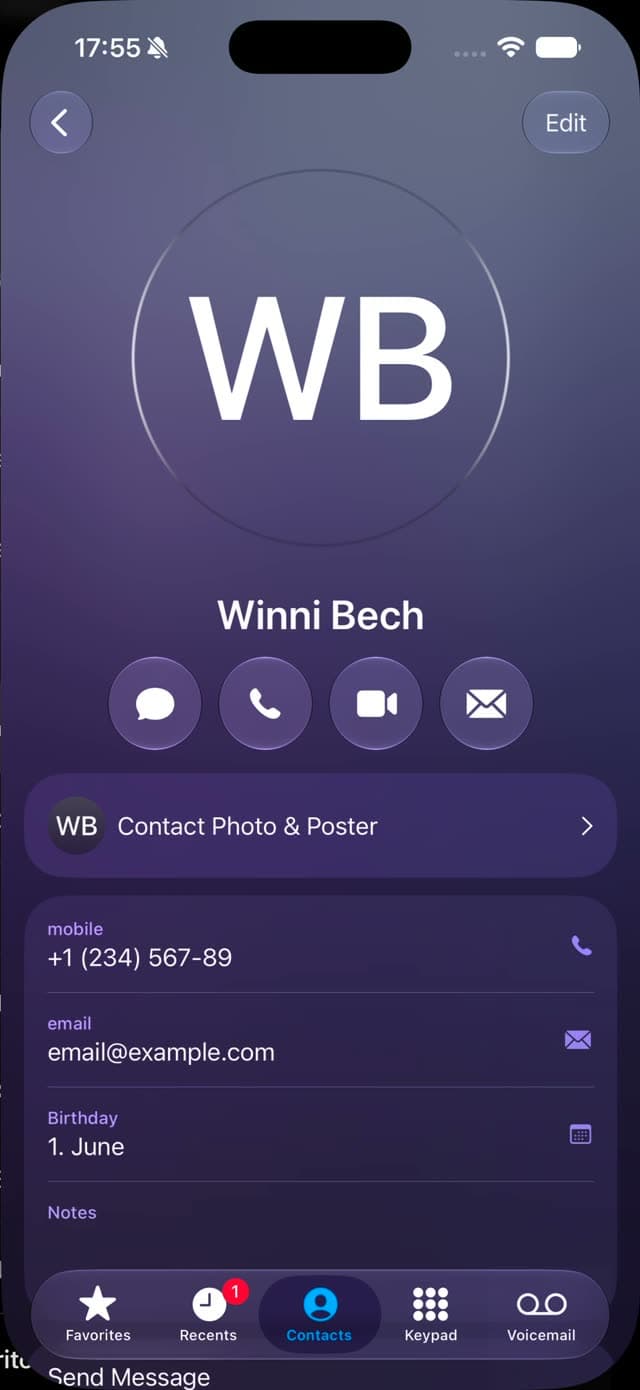
When a spectator challenges the contact selection, switch Force Mode without reaching for your phone.
Toggle Force Mode on or off instantly and completely undetected, without ever touching your phone.
Control supported actions remotely and exchange information with compatible systems to build your routines.
* Optional add-on for Hypermnesia Pro only, sold separately. Hypermnesia Pro is required and is not included in this purchase. Some integrations may need an Internet connection.
Pair supported Bluetooth remotes to trigger critical Hypermnesia actions while your attention stays on the spectator.
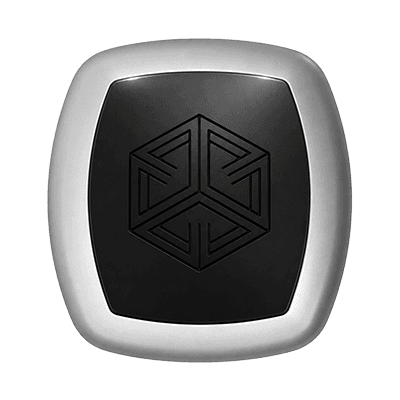
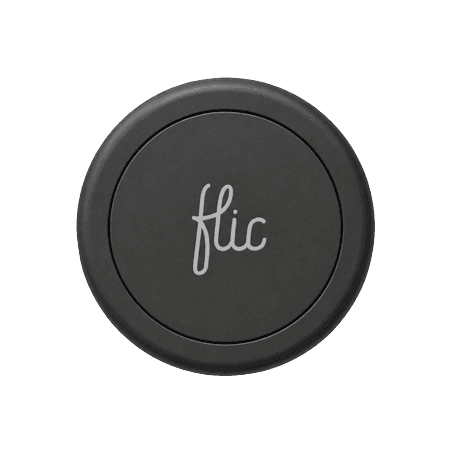
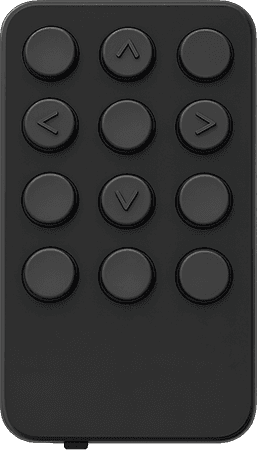
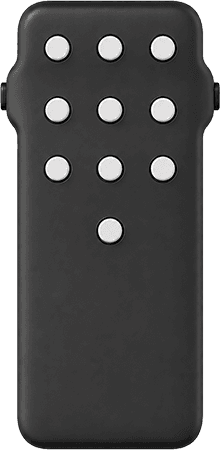
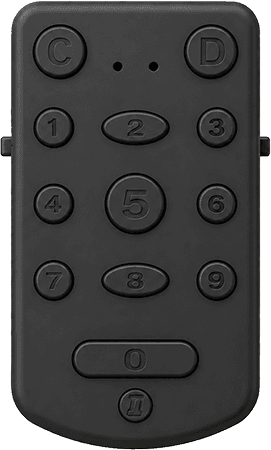
Virtuoz Remote is one supported way to put Force Mode control in your hand, sleeve, or pocket.
Trigger Force Mode or reset without touching the phone.
Feel vibrations from the remote while your attention stays on the spectator.
* Virtuoz Remote hardware is sold separately and not included with the integration addon purchase.
When a spectator searches for a random name, supported tools such as Inject or Goo can pass that value into your workflow.
Hypermnesia uses the incoming value to build a matching acrostic contact search on the performer's device.
Route selected contact data to supported peek tools, reveal devices, printers, and external destinations.


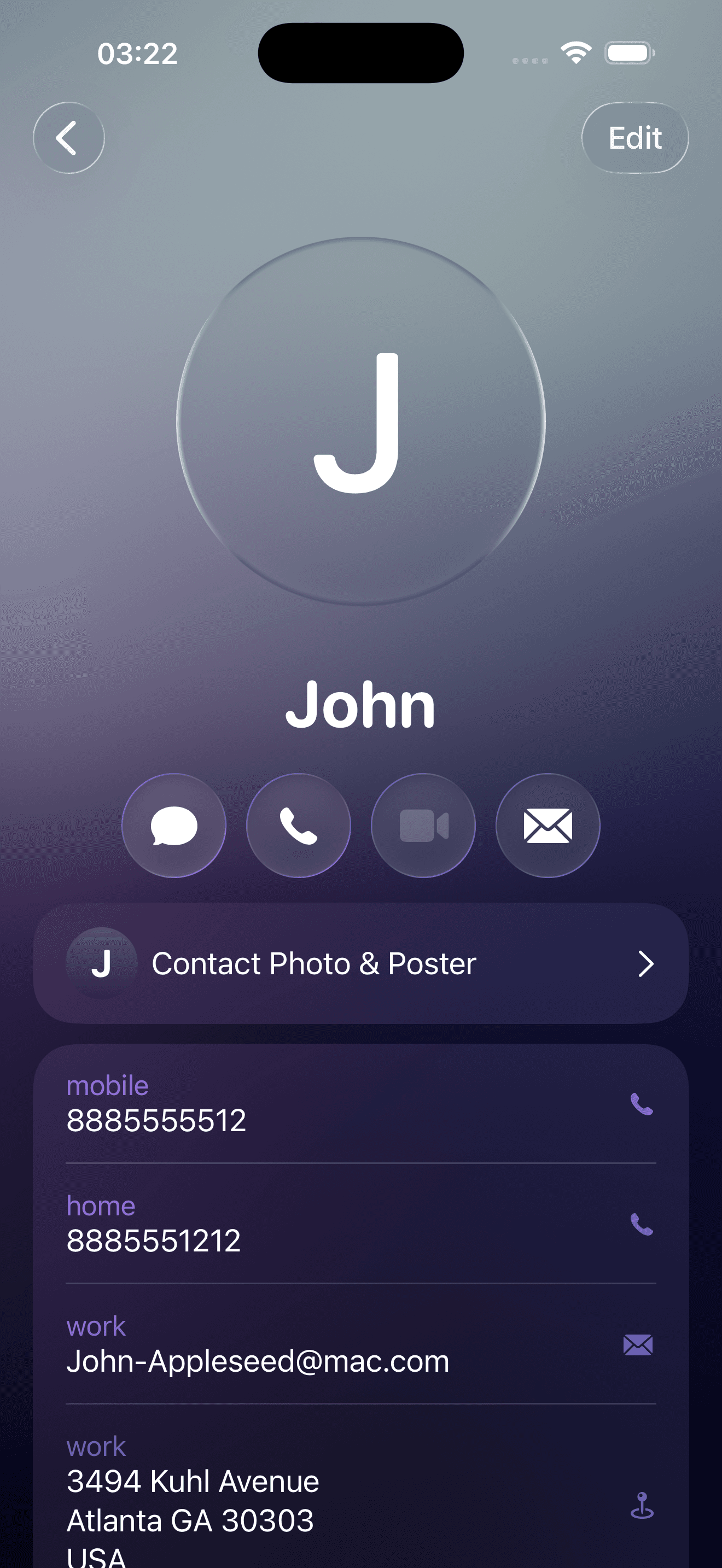
Send the spectator's selected contact name to supported bridges such as Goo, Glyphs, Hydra Pro, Inject, and MysterSmith for peeks and reveals.
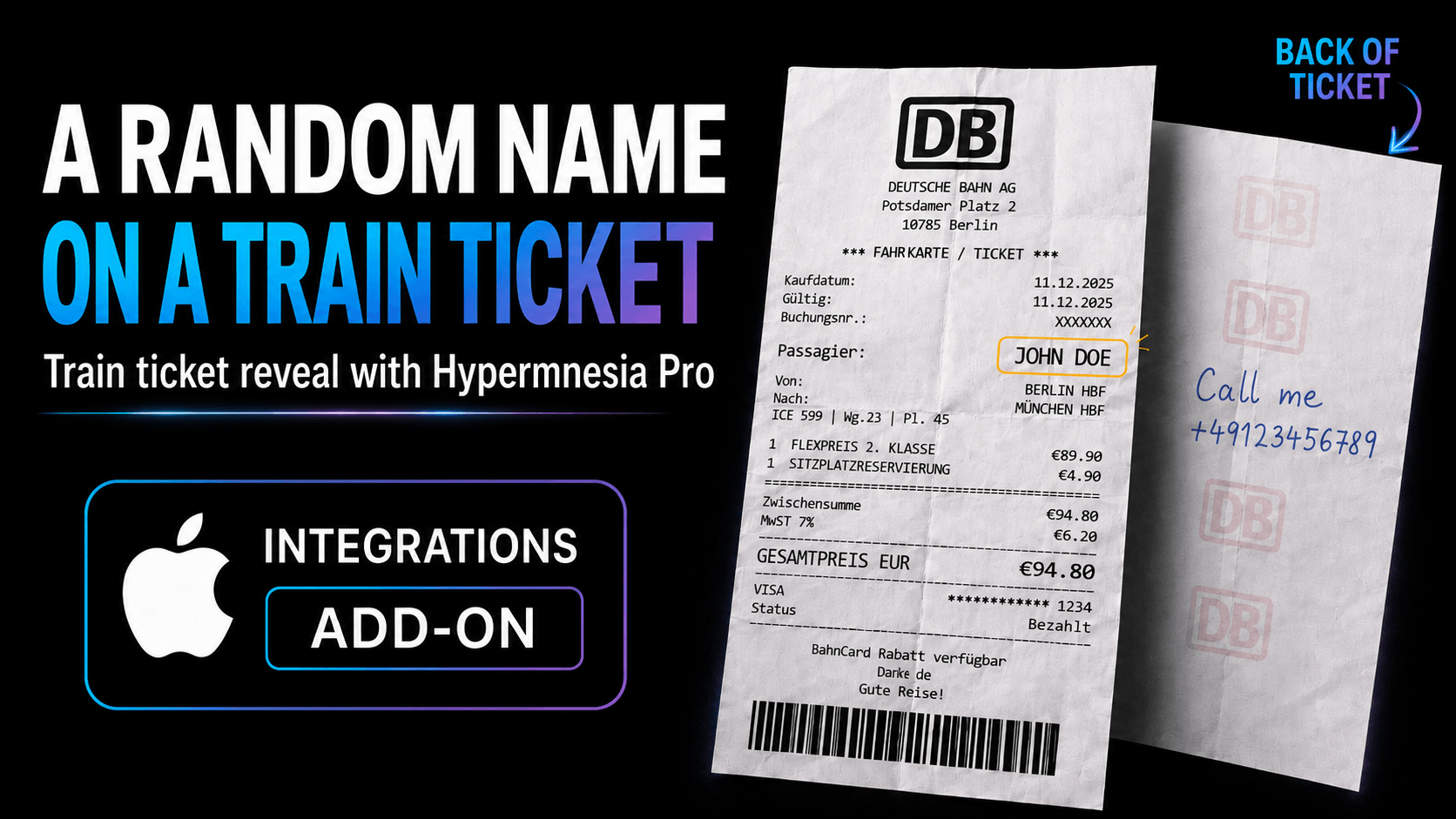
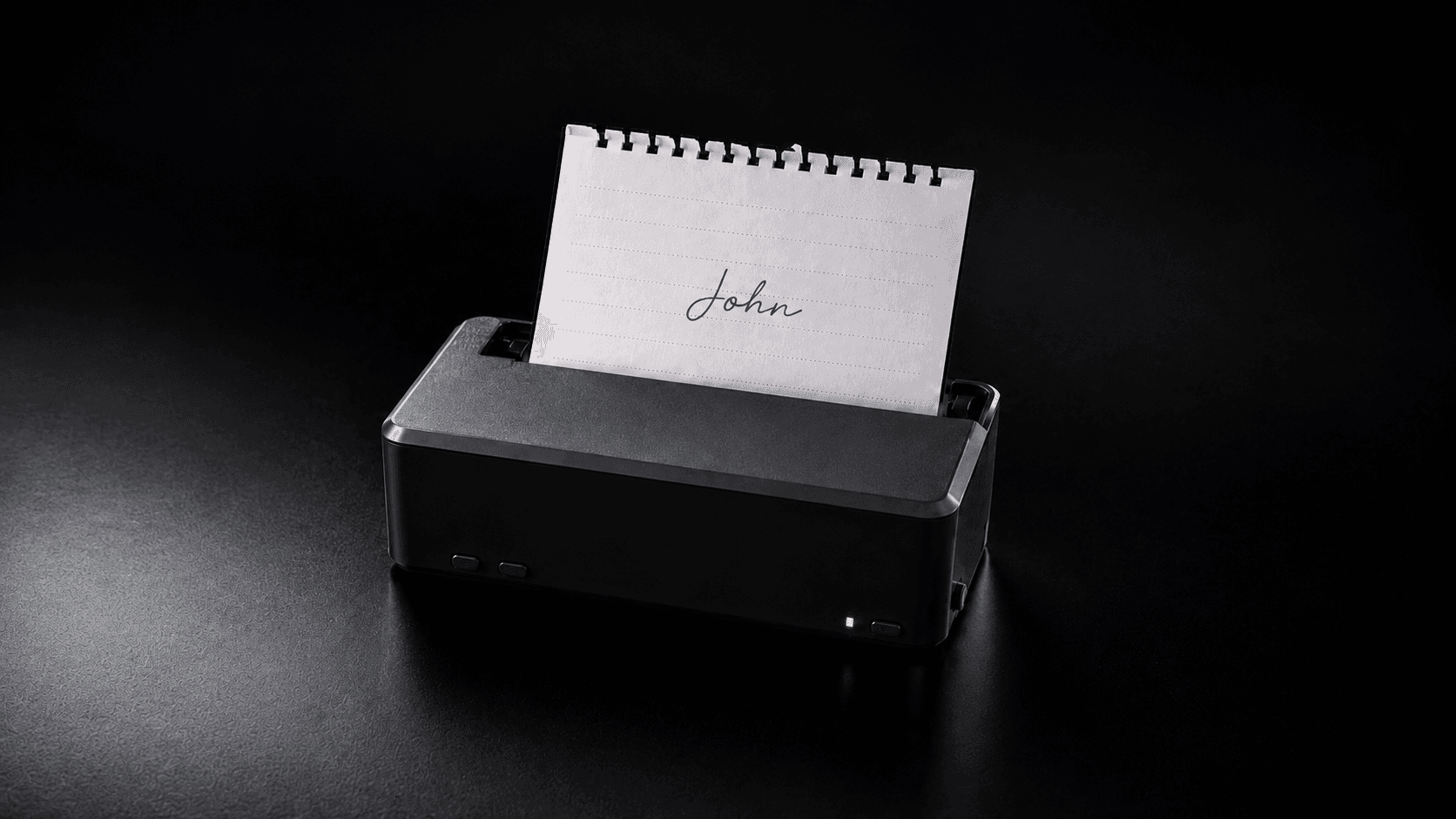
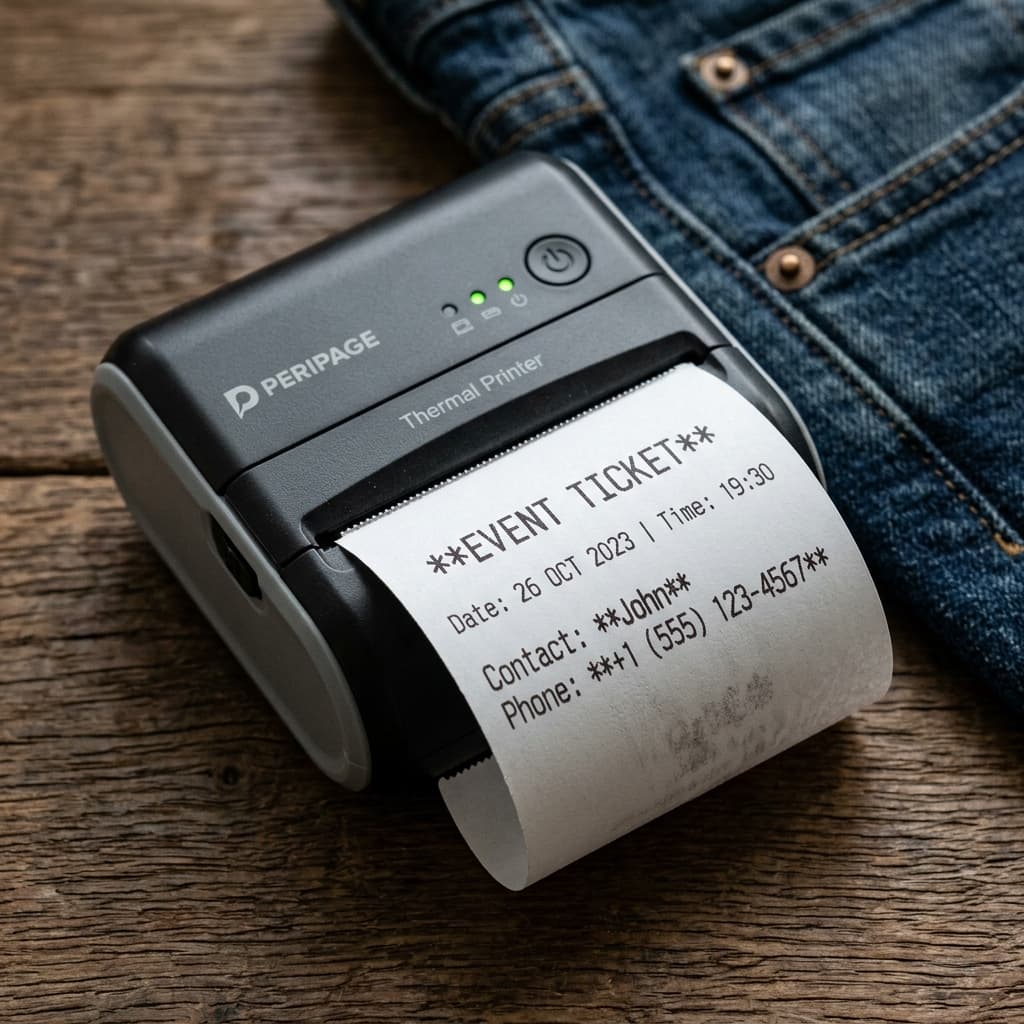
Print the selected contact details during the routine, then reveal them from a folded slip, ticket, or other prepared output.
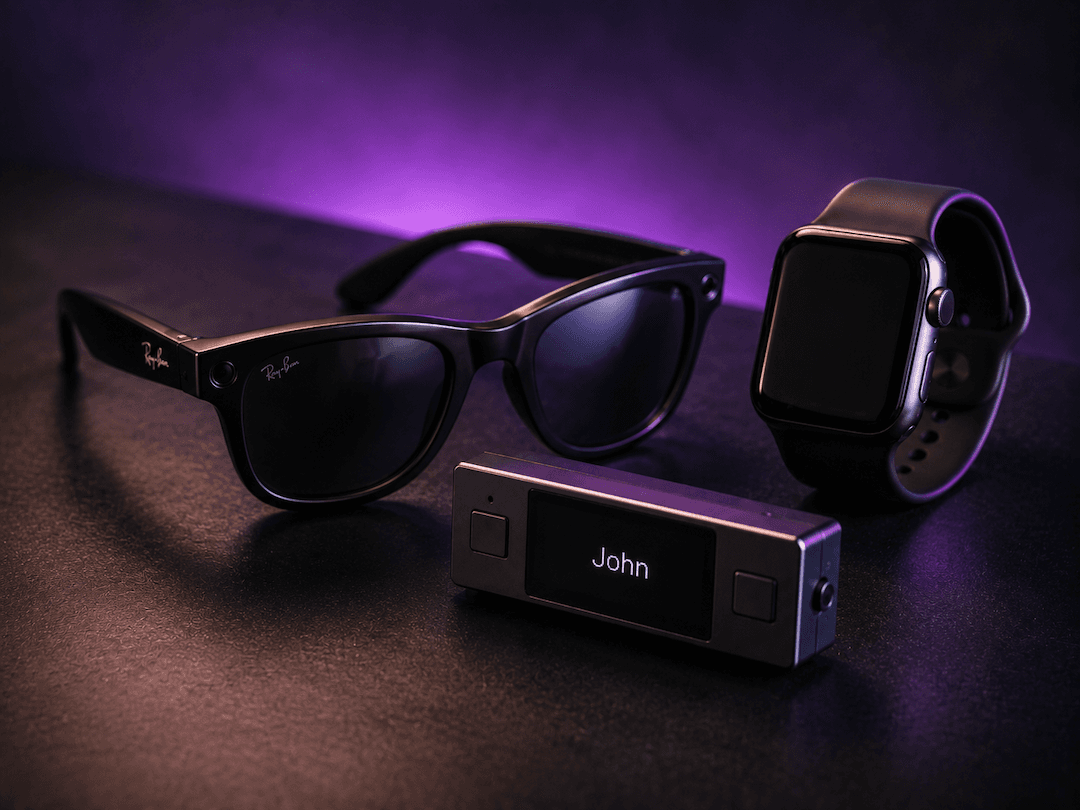
Receive covert, zero-latency cues. Review captured data visually on a companion screen, smartwatch display, or PeekSmith hardware, or listen via hidden earpieces and bone-conduction frames.

Cast the prediction onto smart reveal frames and digital slates, such as Motherboard, Omega Board, and similar systems.
Two devices work directly with Hypermnesia Pro: Lumen Duo shows you the name, Ultra Sharpie Neo brings back what the spectator writes.
Hypermnesia Pro sends the details to a Lumen Duo you hold, and the Lumen Duo's buttons run the app.
Left-handed mode, brightness, vibration feedback, and your own text and background colours.
A spectator writes on Ncode paper with an Ultra Sharpie Neo smart pen. When the pen rests, Hypermnesia reads the handwriting on the iPhone.
* Lumen Duo, Ultra Sharpie Neo and Ncode paper are sold separately and not included with the Integrations add-on.

Use Apple Shortcuts to check Force Mode, reset sequences, jump to positions, or generate acrostics without opening Hypermnesia mid-routine.
You want remote control, external peeks, printers, reveal boards, a Lumen Duo, an Ultra Sharpie Neo pen or Apple Shortcuts in your live workflow.
You only need the normal Hypermnesia Pro contact and Force Mode features.
Buy the Integrations add-on to connect supported remotes, peeks, printers, reveal devices, and Shortcuts to Hypermnesia Pro.

For Hypermnesia Pro · iPhone, iOS 26.3 or later
€69.99Regular price €99.99one-time payment